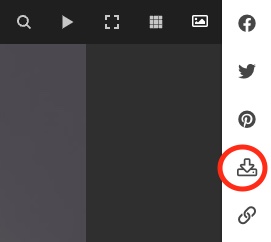
The image download icon in the Pangolin single image disply does not appear to be working. I’ve reviewed the album design, but cannot see an option to enable or disable. Appreciate advice - thanks.
Gerry
The image download icon in the Pangolin single image disply does not appear to be working. I’ve reviewed the album design, but cannot see an option to enable or disable. Appreciate advice - thanks.
Gerry
In which way is it not working? Are the images not downloadable?
The download feature is enabled in the Advanced Setup section of the album template,
Hi, Ron
Not working in the respect that there is no hyperlink on hover over the button. When selected (lhs mouse click), there is no action (and I’ve checked the ‘download’ folder on my mac to confirm that there was no download). Also tried on Windows machine with the same result. In the album template design advanced setup I have selected source ‘use photos redition’ and structured data is off.
Gerry
There’s not supposed to be a hyperlink on hover, as the download is triggered via JavaScript.
Hello, I don’t want to start a new thread. I have a similar problem. In the album template under (Advanced Setup → Settings → Download → Source) i have set Use photo rendition. On PC through web browser (Firefox) after click on download arrow there is no action. On Phone (Android) after click on download arrow I got error message 404!
Album created through Adobe Lightroom
@Matthew I’m seeing the same issue on my test site. In my case, the hyperlink finger appears when hovering over the download icon, but clicking the icon does nothing. Downloads is set to use Photo Rendition.
Here’s an album to look at:
Download from Publisher created renditions is working as expected though
Hi, Rod
Did you receive the share to my site, and could you see the issue that I referred to? Grateful for your advice. At present my clients cannot download from the backlight pages and I have to use an ftp workaround to deliver images.
Gerry
I didn’t receive anything, but I’m seeing the same issue on my test site. (see my response above)
You can try having Lightroom create the download renditions. That worked for me.
Thank you Rod. I guess that Matt has a fix on the Roadmap.
Best
Gerry
We will look into it.
Will be fixed in our next release.
Excellent! I think we forgot to put that in the changelog.
Hello,
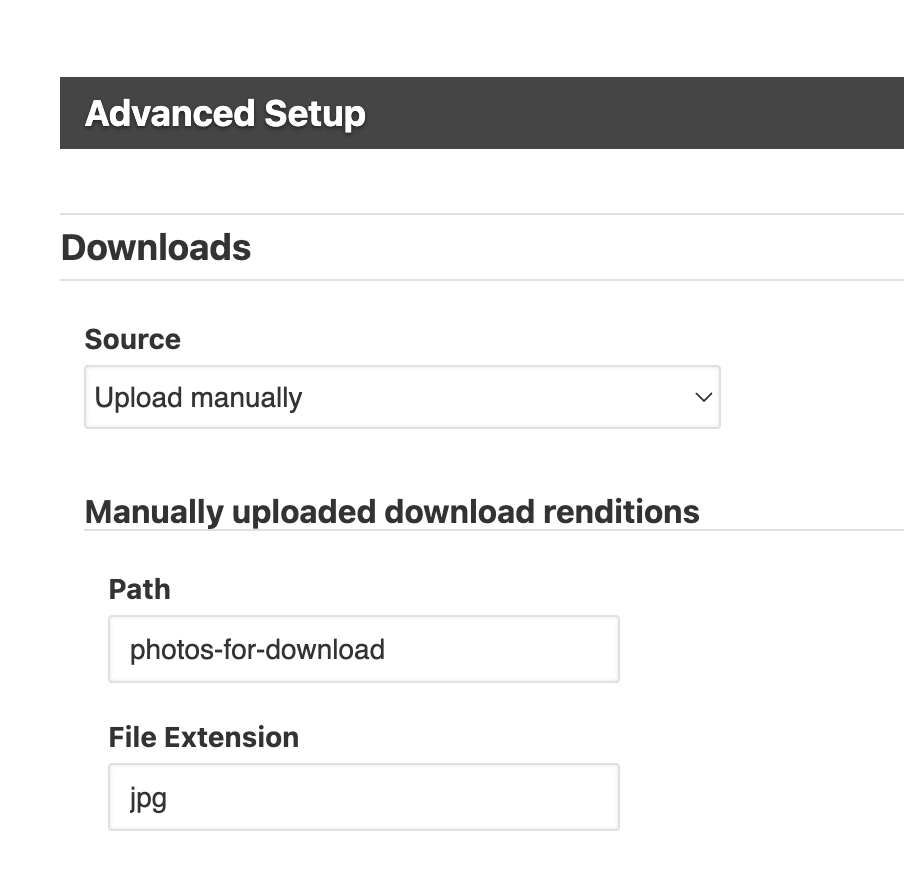
I am currently experiencing what appears to be the same issue, but specifically when using the “Manual download” mode.
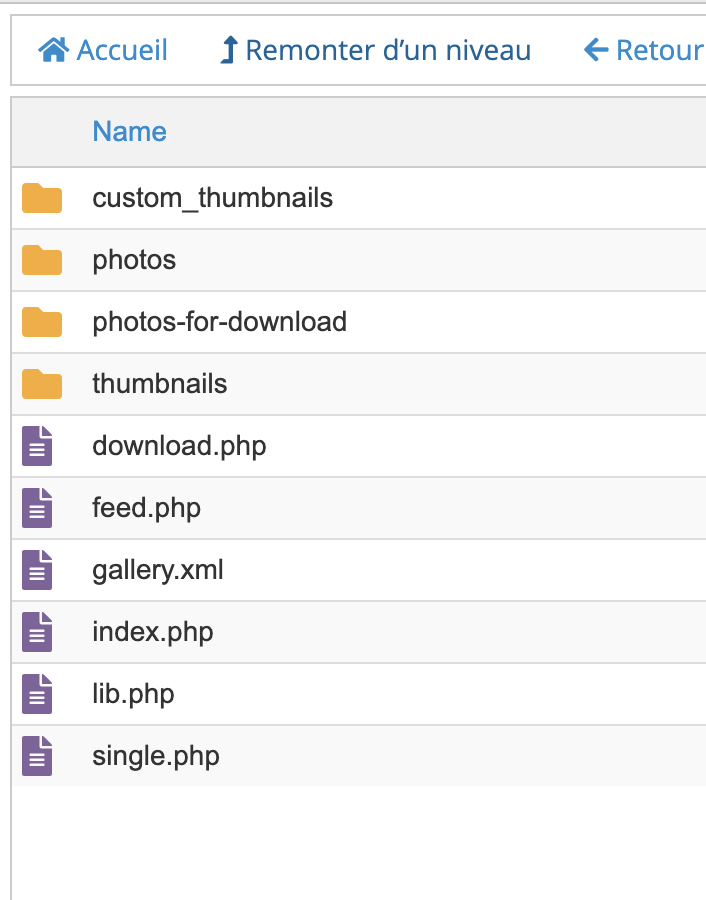
Here is my setup:
Observed behavior:
This seems to confirm that:
In contrast:
Could you please confirm:
Thanks in advance for your help.
Does the file extension of the images match that shown in the download settings in the template?
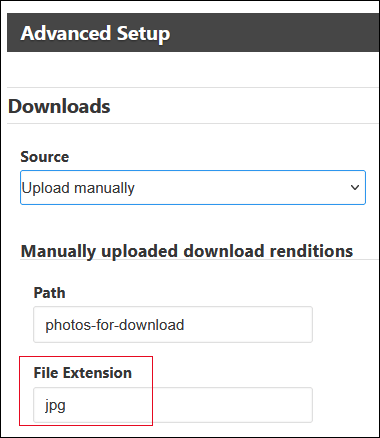
If it’s not that, can you post a link to an album that has the problem?
Are you running the last version of Backlight 5?
and you’ve uploaded the hi-res images to the photos-for-upload folder , correct?
I thought the problem was in regular albums?
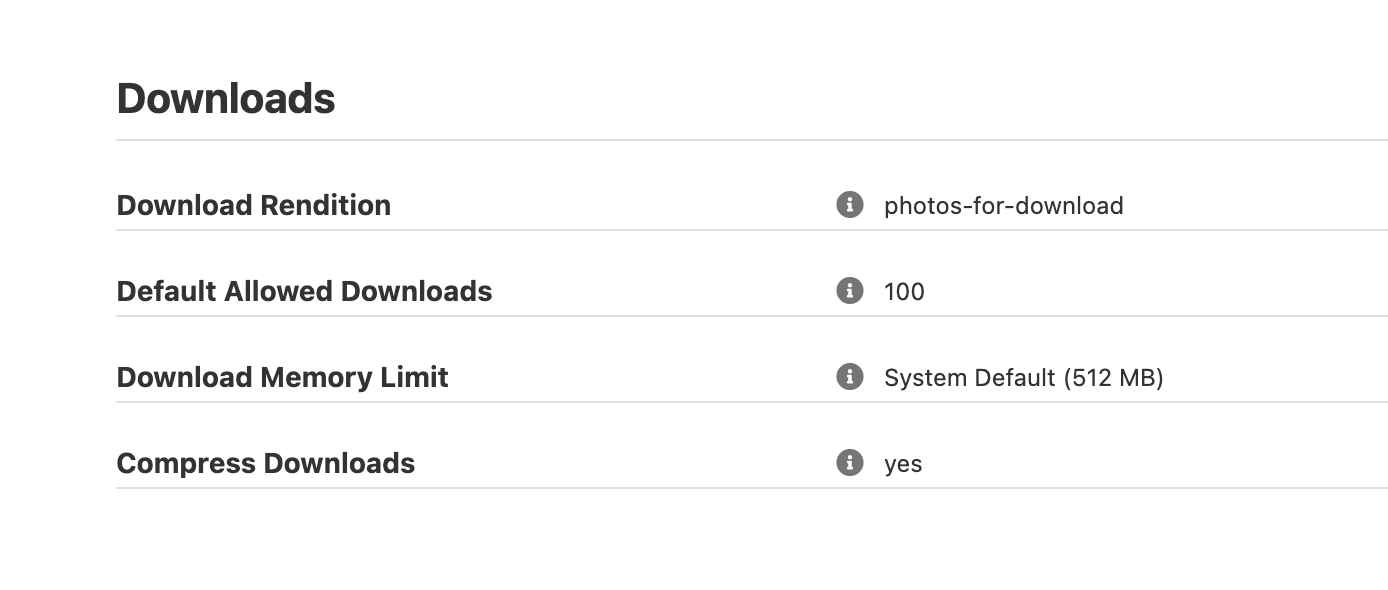
For the CR album you linked to, in your Feedback Profile have you set the number of allowed downloads?