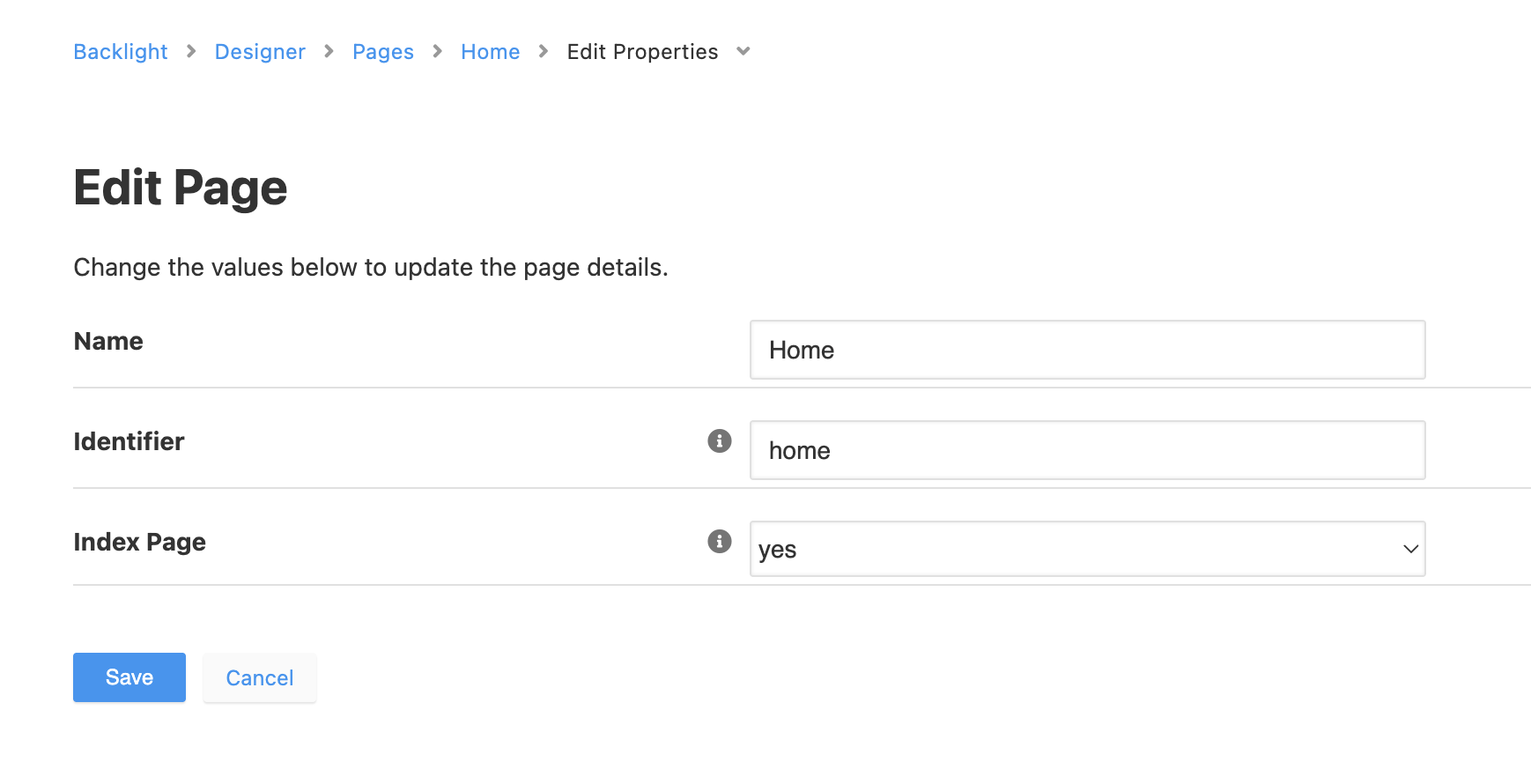
Full Disclosure: I’ve recently retired. I’ve left my Backlight based site without much in the way of maintenance for far too long. So I’m trying to get back in and clean some things up. So apologies in advance for this initial - what I suspect - is a very back question.
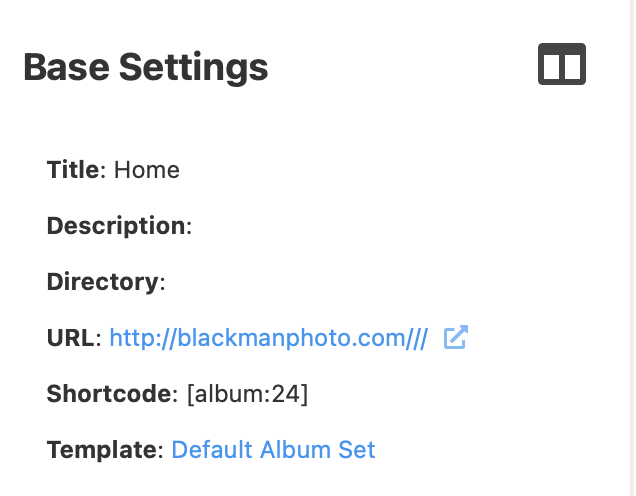
One of my top level sets is called Home. It’s intended to be the default landing page for my site. Today, if a visitor goes to the site url (www.blackmanphoto.com) they only see navigation. The album doesn’t load The default album does not appear. Going to http://www.blackmanphoto.com/home/ provides the intended landing page. I went into publisher and clicked on Home and what I see in the Base Settings URL is puzzling and I’m not sure how to solve it. It shows:
URL: http://blackmanphoto.com///
Why does it have three / after .com? How to I ‘fix’ that. I am making an assumption that that is the cause of my issue, but might clearly be looking in the wrong spot.
If I click on Edit Top-Level Set in Base Settings the Top Level Set Directory is set to / If I remove that and leave it blank and Save, I get the error A Page already uses this directory name as an identifier. I haven’t been able to identify what Page is already using that directory.