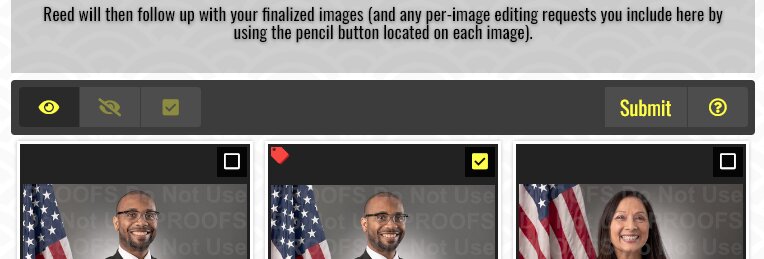
Weird! Probably caching?
But yeah I also got it all to work (and apparently keep working lol).
The resulting proofing.css file is now:
@font-face {
  font-family: "Oswald";
  font-style: normal;
  src: local("Oswald-VariableFont_wght"),
       url("../webfonts/Oswald-VariableFont_wght.ttf") format("truetype");
}
@font-face {
  font-family: "RobotoCondensed";
  font-style: normal;
  src: local("RobotoCondensed-VariableFont_wght"),
       url("../webfonts/RobotoCondensed-VariableFont_wght.ttf") format("truetype");
}

html .font-oswald { font-family: "Oswald", sans-serif; }
html .font-robotocondensed { font-family: "RobotoCondensed", sans-serif; }

.the__gallery button.crg-help,
.pangolin-album .fancybox-toolbar .fancybox-button--pallet,
.pangolin-album .fancybox-toolbar .fancybox-button--zoom,
.pangolin-album .fancybox-toolbar .fancybox-button--fsenter {
  display: none !important;
}

#crg-widget::before {
  content: "";
  font-family: "RobotoCondensed";
  font-size: 1.3rem;
}

li#crg-widget,
li.crg-view { font-size: 1.3rem !important; }
li.crg-view { text-align: center; }

button.crg-help-widget,
button.submit,
p.modal-title,
form label,
.form label { font-family: "Oswald"; }

button.submit { color: #ff0; font-size: 1rem; }
p.modal-title { font-size: 1rem; line-height: 2rem; }

.crg-metadata,
.crg-options,
.crg-options label,
.modal-actions button,
button.discreet {
  font-family: inherit;
}

.crg-metadata { margin: 2em 0; }
.crg-options { margin: 3em 0; font-size: 1.1rem !important; }
.crg-options label { font-size: 1rem !important; }
.modal-actions button { font-size: 1.6rem; }
button.discreet { font-size: 1.4rem; }
form label,
.form label { font-size: 1rem; }

.fancybox-caption__body,
.copyright {
  font-family: "RobotoCondensed";
  font-size: 1rem;
}
.fancybox-caption__body { color: #5c5c5c; }
.copyright { color: #aaa !important; }

@media (max-width: 640px) {
  .page__pallet__bottom,
  .page__pallet__bottom > .content ul {
    height: auto;
    min-height: 90px;
  }
  .grid-button { display: block !important; }
}

.modal-actions .save,
.modal-actions .submit {
  float: right !important;
  width: 40% !important;
}
While “slightly-minifying” these resulting CSS overrides, I noticed a weird anomaly in responsive view:
Using the desktop version, the Submit button is simply the word “Submit” as a button.
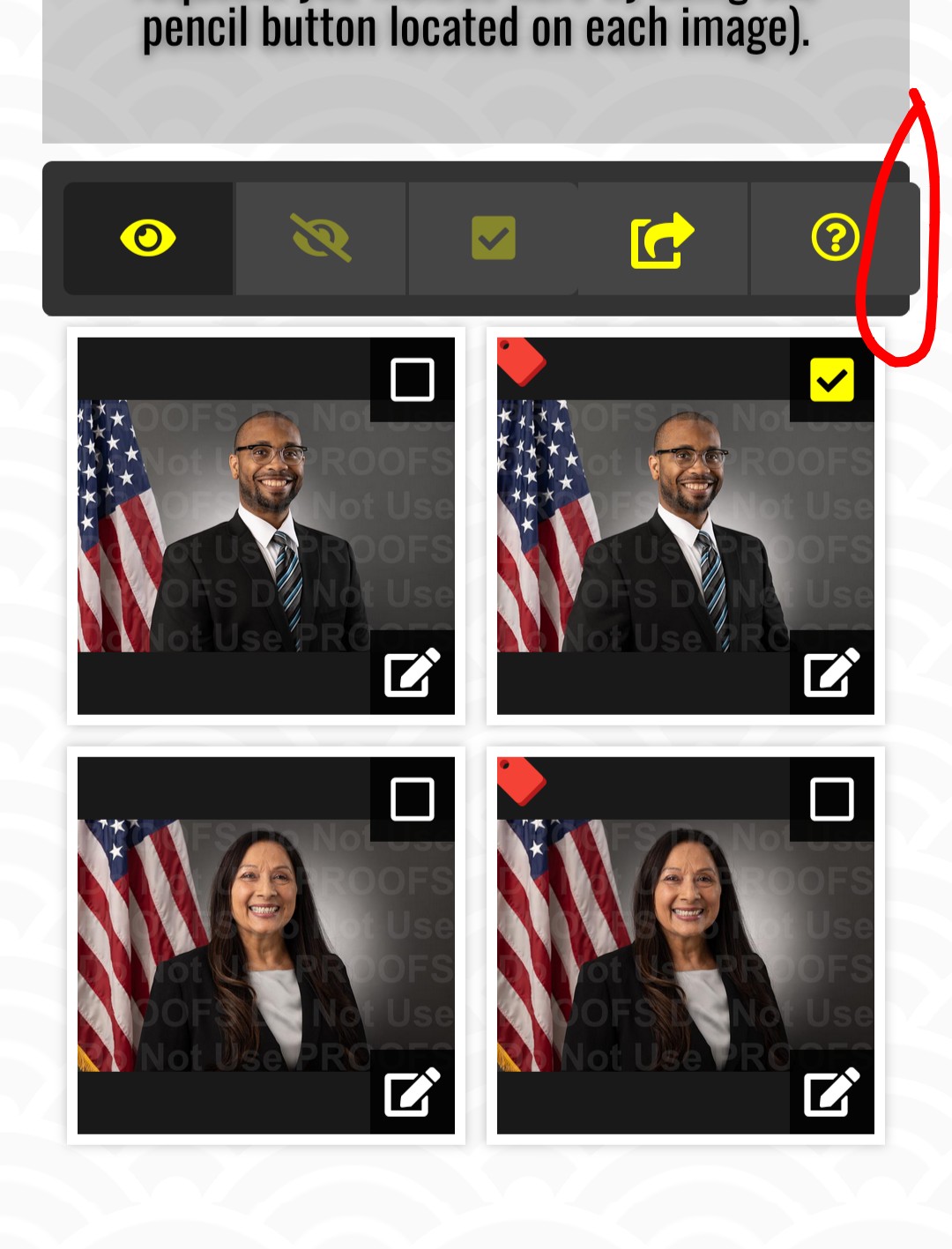
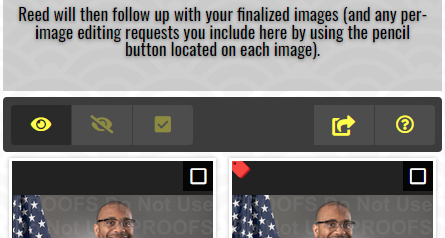
Using responsive view, the Submit button is an icon of an arrow curving outward from a square:
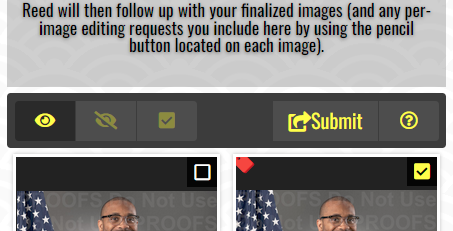
But if I “select an image” and then click the submit button and then back out of the submission form that same Submit icon is now both the word “Submit” again AND the arrow/box icon:
Can I simplify this layout for my clients and always force the word “Submit” AND the arrow/box icon via CSS override? I think that button-consistency would help them know exactly which button symbolizes “Submit” when reviewing proofs on their mobile phones.