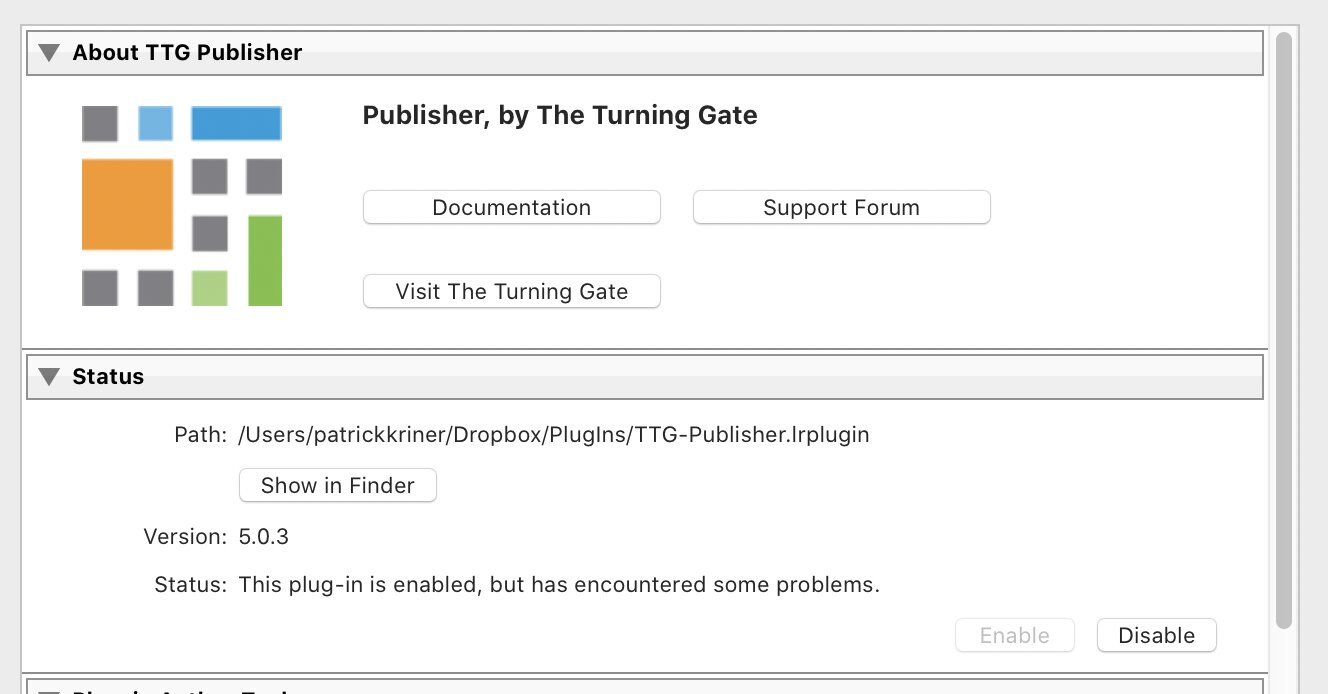
I have not uploaded images for a while. When I attempted it today I received an error code 403 when uploading from Lightroom. I reloaded the plugin but received the same response. I verified my authentication and when I looked to manage the plugin it syas that it is enable but has some problems. any help would be appreciated.
What version of the plugin are you using?
Current version is 5.0.3
Could also be a permissions issue. try a forum search on “403” for more info on that
Rod, I fixed the problem with the missing albums. However, I am still getting error code 403. I went to the files and updated my permisssions, and it work for about a day. Now I still have the problem
Ben will need to take a look
Something that all of a sudden stops working implies that something has changed, whether on your PC or on your host. Do you have a section called ‘Plug-in Author Tools’ immediately below the ‘Status’ section in your screenshot? If so see if there is a button enabled called ‘Save Diagnostic Log to File’, try clicking it and report back here any errors there.
If that doesn’t help then please send me a personal message with a Backlight admin login so that I can look further into it.
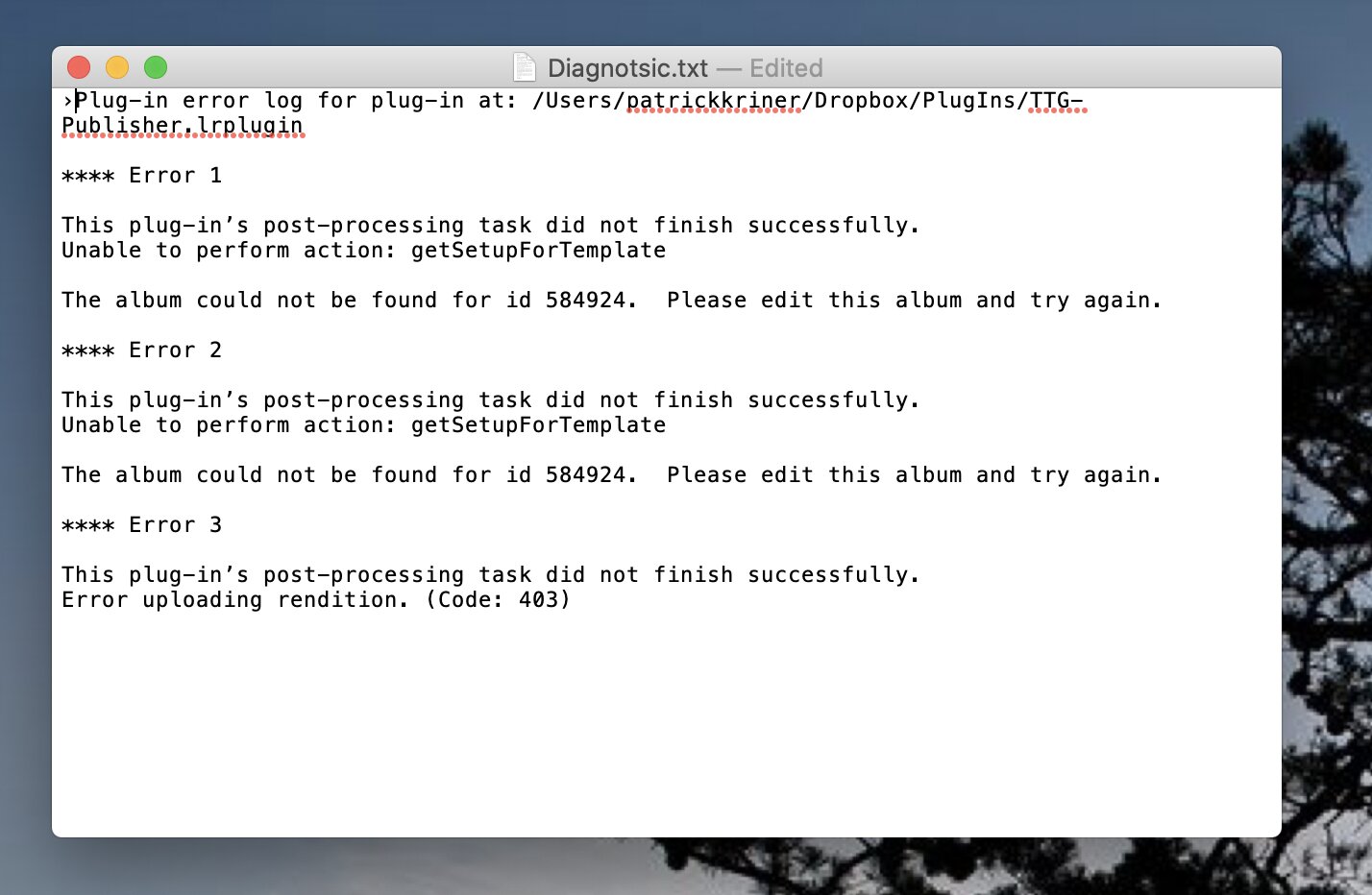
This sounds like there may be an album embedded on a page and either that album no longer exists or the album template for that album no longer exists.
You may have old Okapi based albums. If so, check your Backlight Modules page and make sure that the Okapi modules have been installed. (and then work on updating this albums with Pangolin album templates)
I’ve also seen something similar happening when, say, an Okapi-based Galleria or Vegas slide show exists (perhaps embedded in a page) and then an update to Pangolin happens.
(after updating Backlight to Pangolin, the Pangolin versions of Galleria and Theater are needed)
Do you have any albums like this? If so, check the type of template being used and try updating those albums to a Pangolin version of the album template
Rod, I restored my files from the Host to a time before I first experienced this problem and it still persisted. but indoing so the one album I started was removed having loaded it before the reboot. How do I go about updating my albums to to Pangolin?
I checked my templates and found all of my album sets are Pangolin.
Do you mean albums?
Do you have any Galleria or Theater albums? Are those using the Pangolin version?
I do have an album I am using as a slide show on my home page.
it is a Pangolin Galeria Template.
the error implies that there’s an album that’s missing a template.
I’d suggest sending Ben Backlight admin login credentials. You can click on his name/picture above and send him message.
admin sent to Ben.
P.
Rod,
I believe I had a glitch on my hard drive. When I hooked up my backup drive, everything works as is. I am not sure what happened. It maybe related to the old pluon but it seems fixed now. Pass this along to Ben. I did send him the admin info a couple of days ago, but have not heard from him as yet.