In a recent Tessera update, I mentioned I was working on another project. That project is Kiln, and today I am sharing a downloadable public preview.
Concept
A kiln is a thermally insulated chamber, a type of oven, that produces temperatures sufficient to complete some process, such as hardening, drying, or chemical changes. Kilns have been used for millennia to turn objects made from clay into pottery, tiles and bricks.
The bit of that I like best is what I’ve bold-faced, “… to complete some process.”
You use Lightroom or Capture One or whatever to work on your images – to mold your clay, so to speak – then export them into Kiln towards the end of your workflow, to complete some process.
Future Kiln
I have a big ambitions and many ideas for what I want Kiln to become. But these are very early days for Kiln!
I am still exploring the possibility space for what Kiln can be; there’s no roadmap yet.
Kiln is an Electron app for desktop.
I intend Kiln to be optional within the Backlight ecosystem of products, complimentary to Backlight.
I intend Kiln to be useful in various ways, with or without Backlight.
I intend Kiln to be a paid app, exiting beta status when it offers value enough to ask money for.
There may or may not be more public builds after this one, but … probably?
I have no real timeline for this project.
Present Kiln
Kiln itself is clay, meant to be molded by each user.
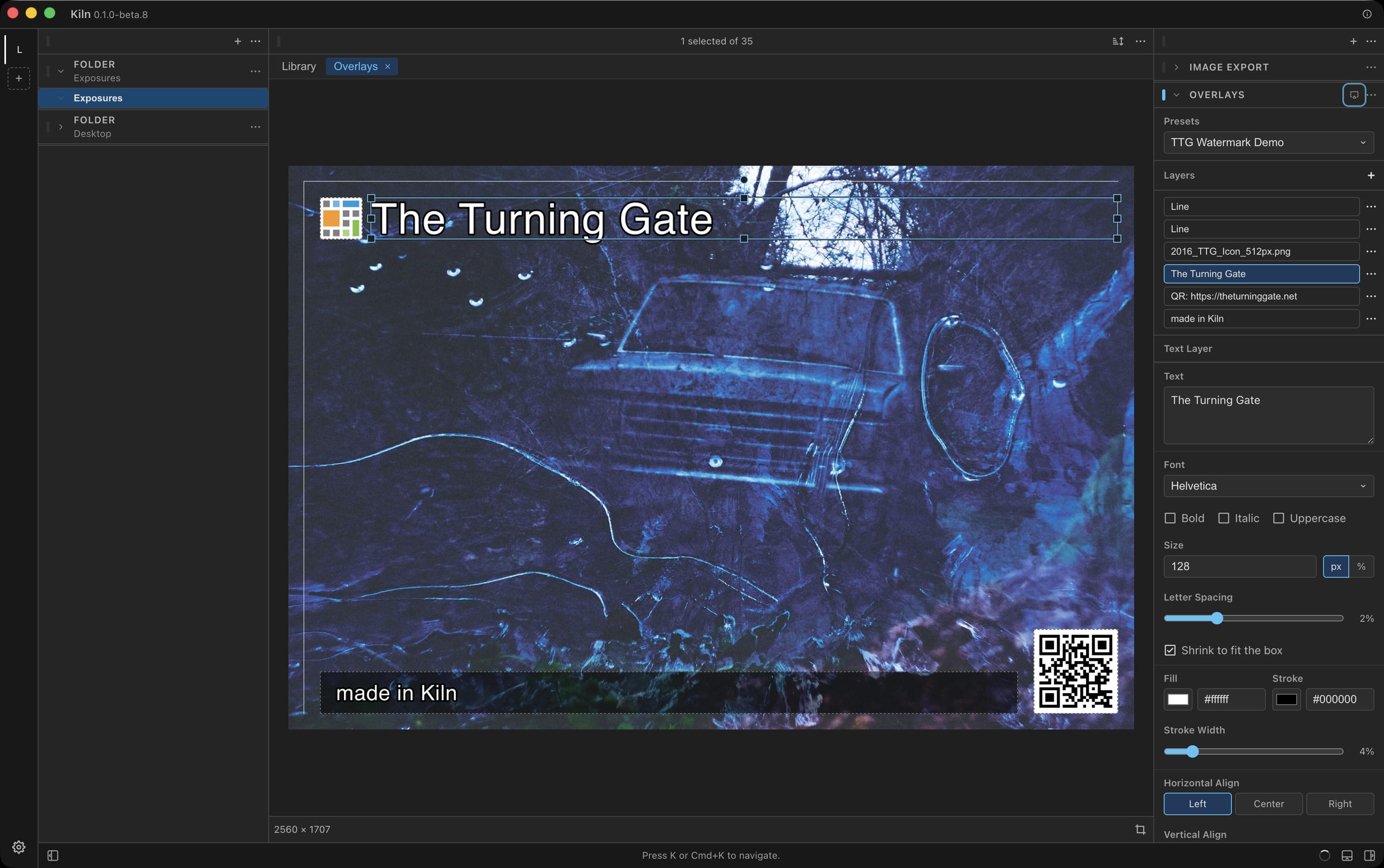
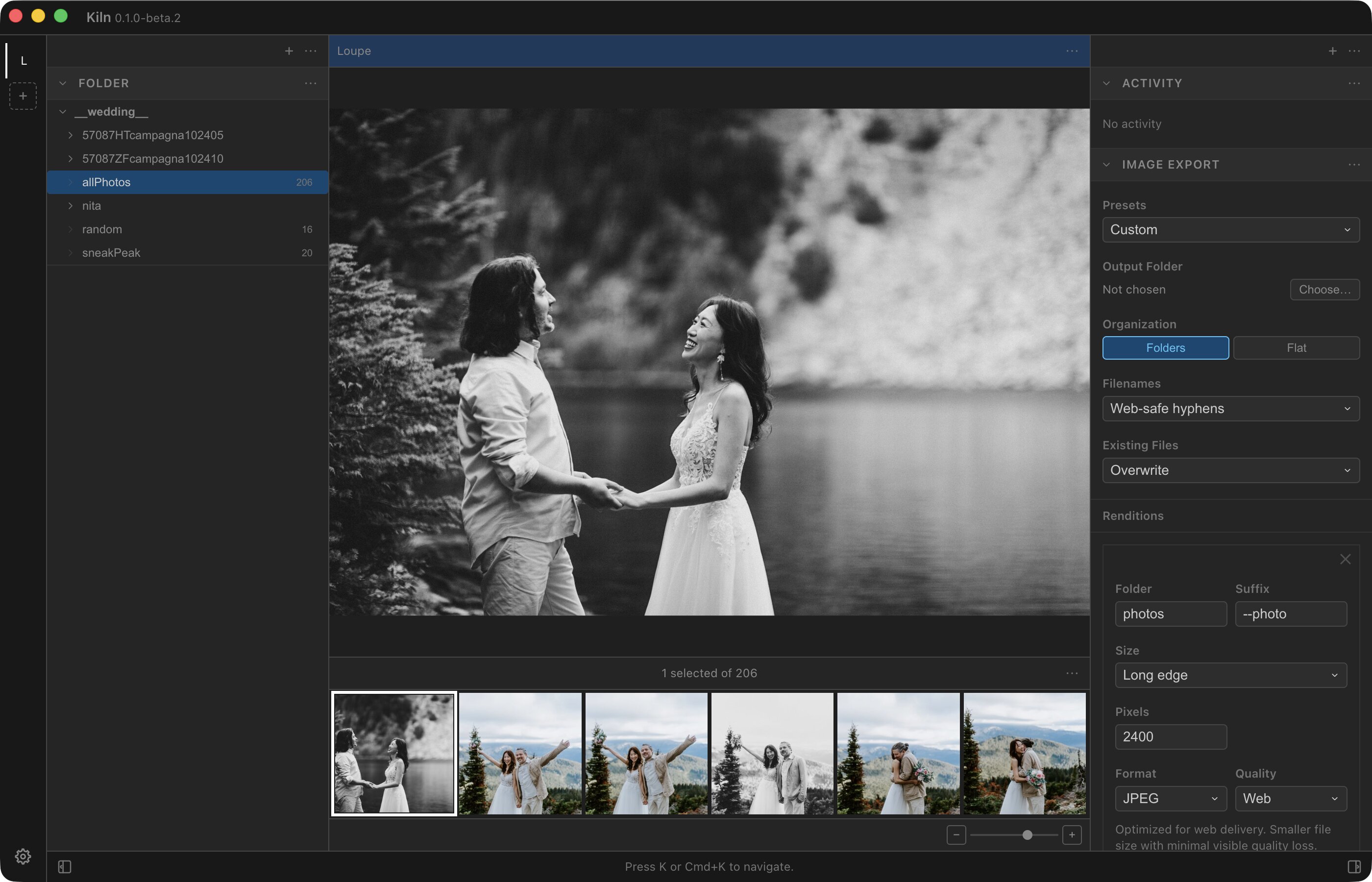
On the lefthand side is the rail, where you will find the default workspace. You may add and customize your own workspaces.
Each workspace has a left panel, a right panel, and a center stage.
Functionality is packaged into modular widgets.
The left and right panels draw the from the same pool of widgets, while the stage draws from a separate pool.
Add widgets to the left or right panels. Drag widgets to reorder them within a panel, or drag them from left to right, or from right to left to arrange your workspace.
At present, the stage has only one widget: the grid-and-loupe for viewing a collection of images.
The Panel Widgets
- Folder - used to open a folder of images on your local drive.
- Activity - displays jobs in progress, such as exports.
- Animated Export - combine selected images into an animated GIF or WebP file.
- Icon Export - select an image with a square aspect-ratio to export as app icon, favicon, PWA icons, etc.
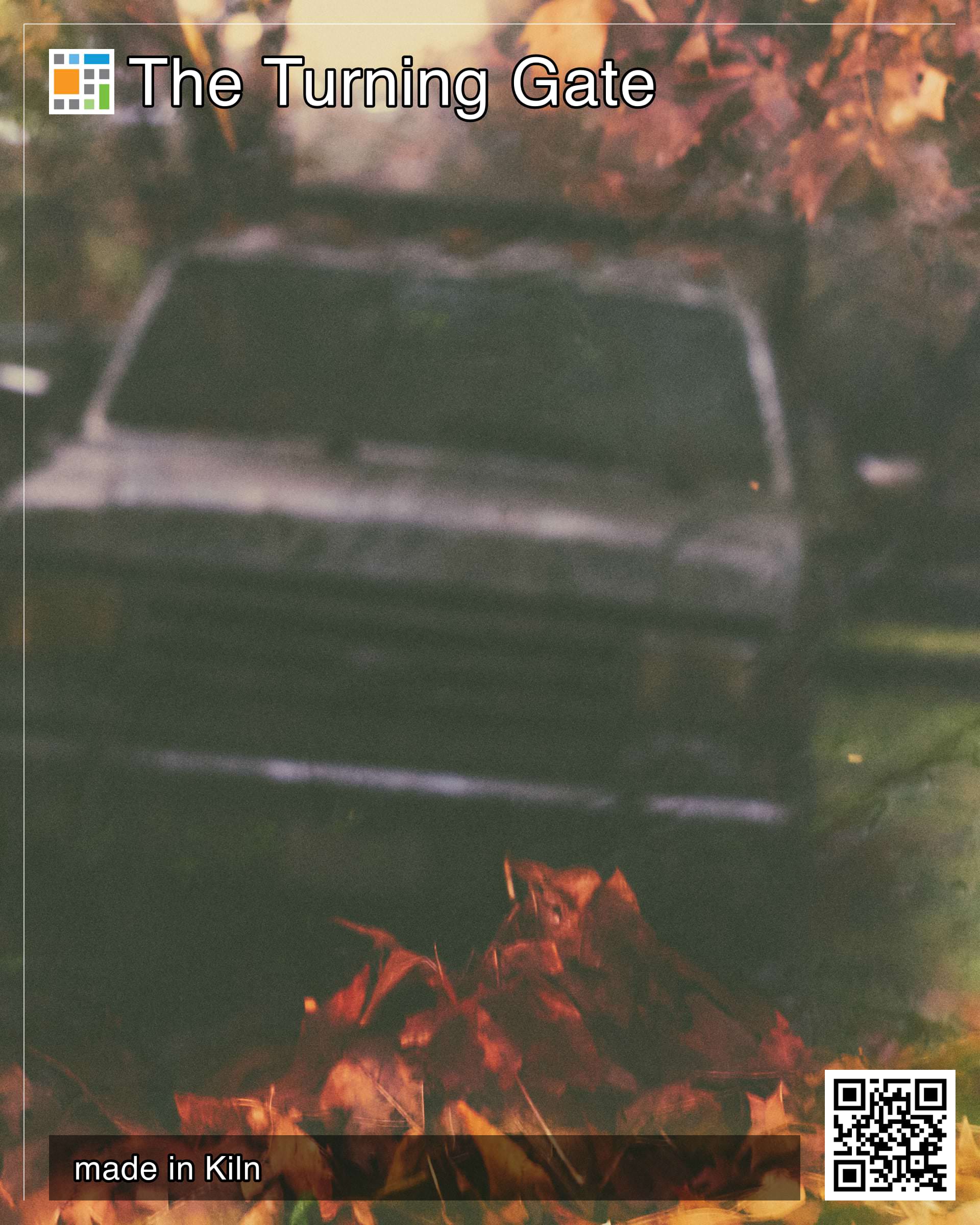
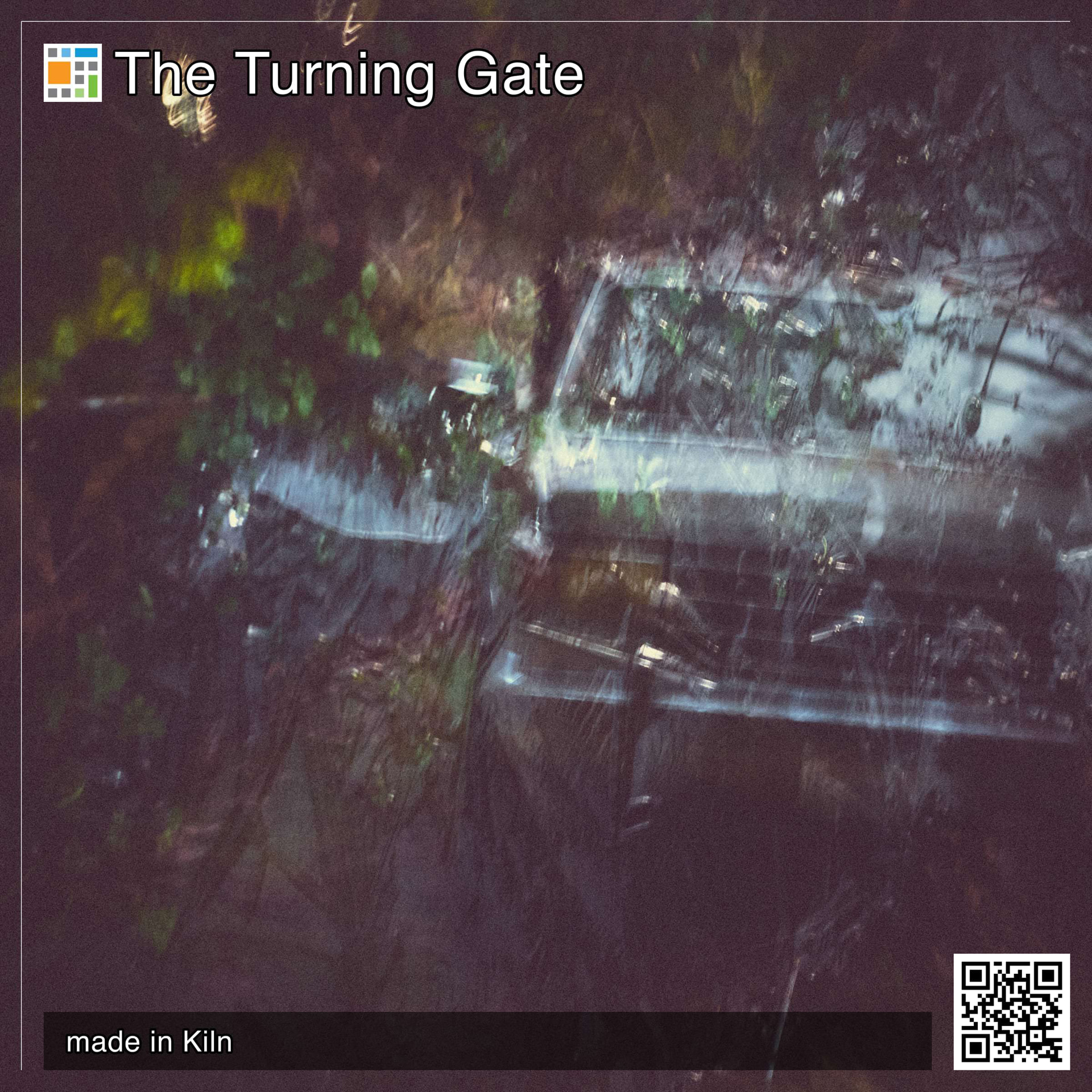
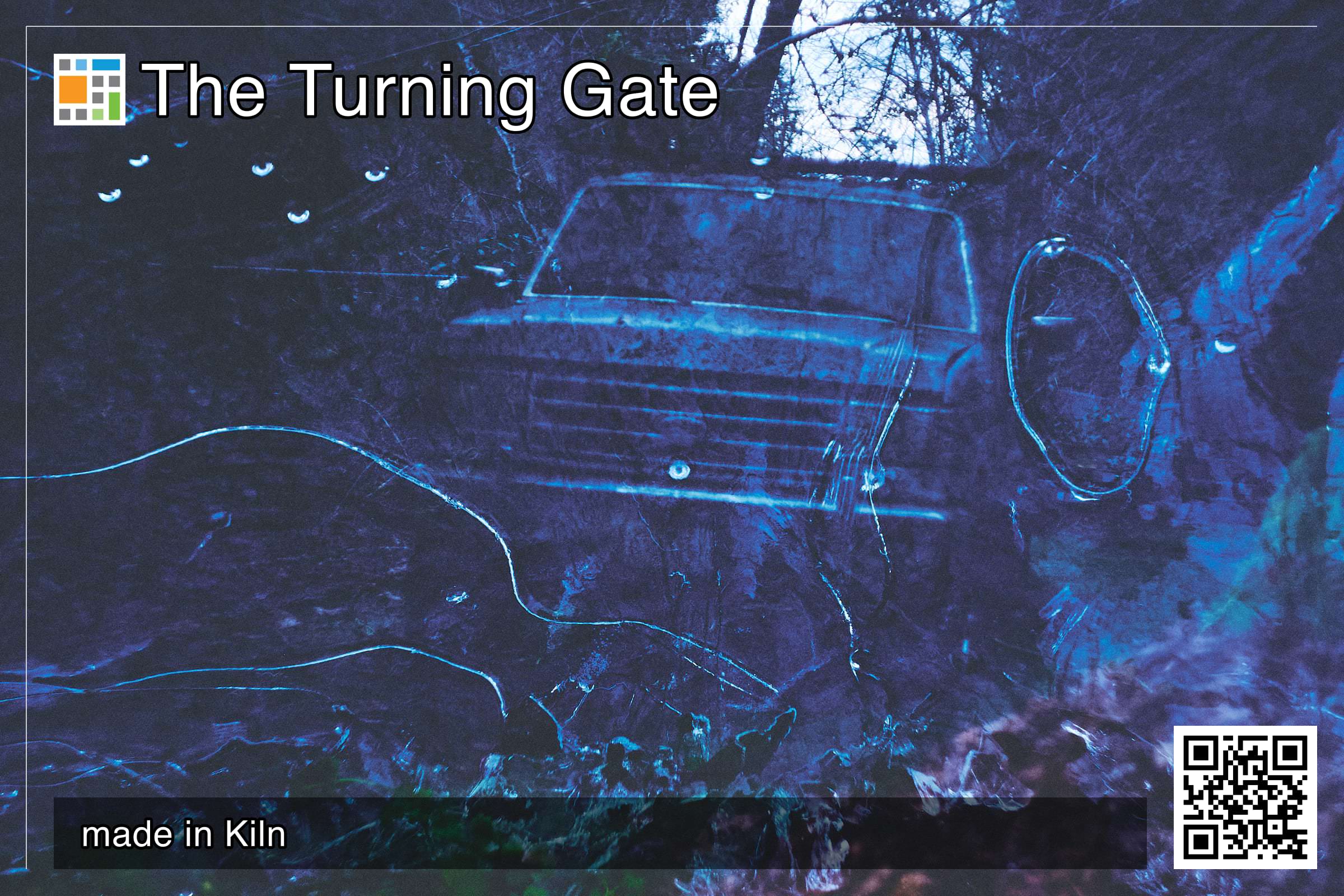
- Image Export - define multiple export renditions, then generate those exports all in one go.
- … various development and debug widgets I’m using while developing the app.
These are just the beginning, of course …
Supported file types
Kiln ingests jpg, jpeg, png, webp, avif, gif, tiff, tif, heic, heif.
Navigating Kiln
Of course, you can click on things with the mouse.
However, Kiln is also very keyboard-friendly. Press K to open a chord, then follow on-screen cues to focus widgets.
For example, pressing K then F then . opens the Folder widget menu.
There’s also a quick menu, Cmd+K, that allows you access most things in the app via search. Try using it to switch the “theme”.
If you have an open folder, regardless where you’re currently focused, press Cmd and an arrow key to navigate the grid.
Check the widget menus or the Cmd+K palette for more keyboard commands.
Download
For now, I’m just going to serve these files from my Google Drive. The builds are set to expire 60 days from date of publish, so mid-August sometime. At which point there might be a newer build, or I can extend things if I want to. Assuming this all works the way it’s supposed to; this is my first time releasing software with an in-built expiration, so … ¯\_(ツ)_/¯
Download macOS or Windows builds (expired; see below).
Overtime …
You may be wondering why I’m building this.
It’s fun. That’s the most important reason. But also the most dangerous reason, because what will I do if it stops being fun …?
I’ve always found it annoying that if I want an image in multiple sizes from Lightroom or Capture One, then I had to create the images as separate export jobs. So I thought it would be cool to have an export module that would allow me to generate all the sizes I want in a single task, much like we do for Backlight.
I found it really annoying creating app icons for Tessera, so I made a widget to make it easy to create icons! Then I used it to create Kiln’s own icon.
Tessera 1.3.0 creates GIF files, but combining those into animated GIFs in external software is also annoying. Once again, I wanted it to be easy. Trivial, even. And now in Kiln, it is.
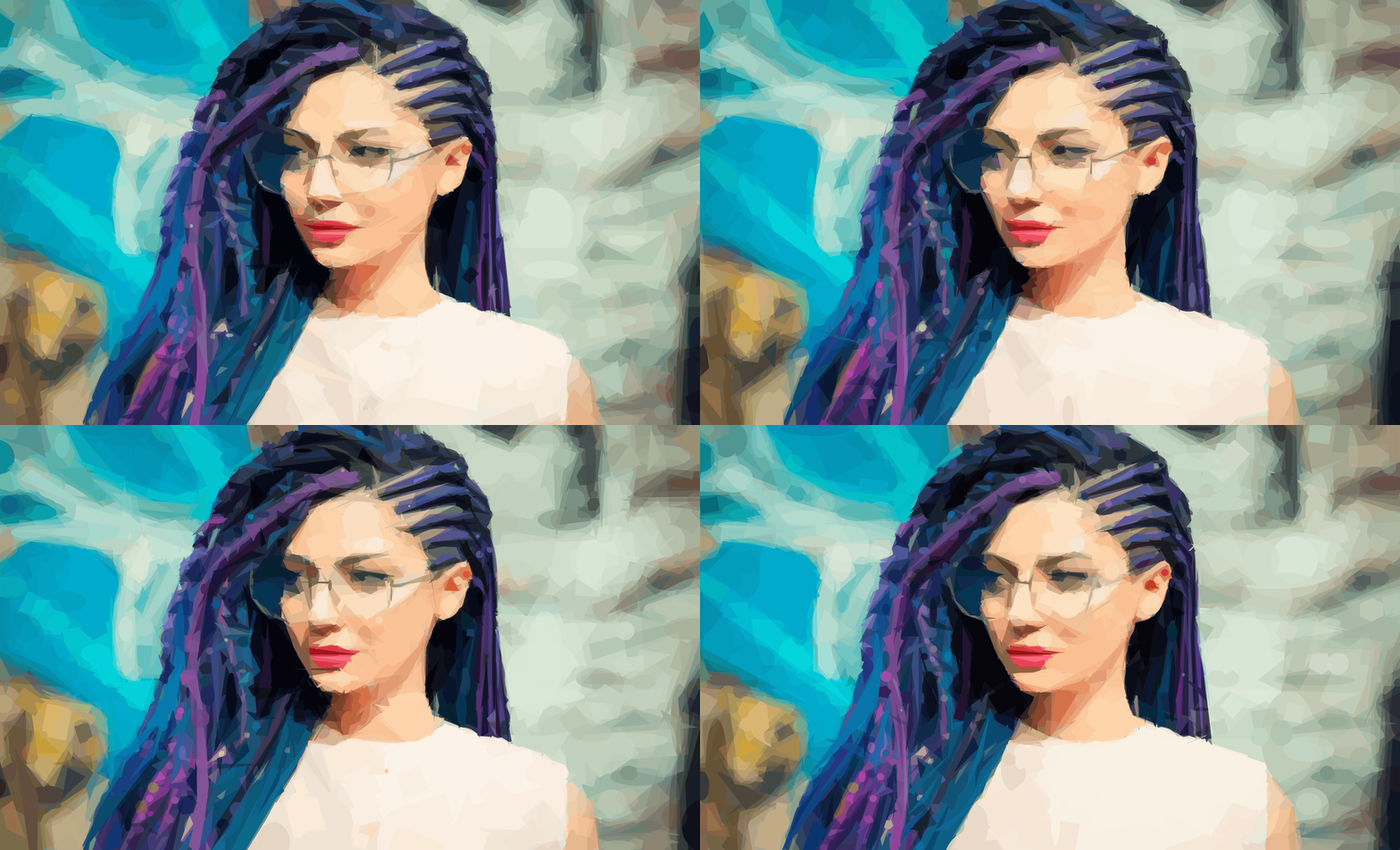
There’s a lot of stuff I want Kiln to do as it continues to take shape. So far, it’s been about creating an extensible platform where I can build fun tools to make light work of things that I find irritating in other pieces of software.
So, that’s Kiln. I hope you enjoy it, and together we can see it evolve into something more.
Let me know what you think.