For historical reasons, many parts of my site have a hand-written html landing page that then has links to TTG galleries.
When I first moved from CE4 to Backlight, I found that the .htaccess file broke this sytem by creating index.php files that got priority, and even if I explicitly included the index.html in the URL, linked images on that page were not found.
I remember that at the time Rod instructed me on a simple change to the .htaccess file that solved the problem, but now when I upgraded to Backlight 6, the problem reappeared.
I can’t find my old question in the community, nor in my own notes, and some amateur fiddling in the .htaccess got me nowhere. And it turns out my backups weren’t doing what I thought they were doing…
Since I have many instances of the problem, I would like to fix it in the top level .htaccess, which I think was how it was.
Thanks, that was indeed the thread, and there Rod said that they had just spotted the problem, and he sent a copy of the about-to-be-released .htaccess that was designed to solve the problem of ignoring assets that were in the top level directories.
I tried using that .htaccess at the very top level again, but not surprisingly it caused other problems now.
I have found that simply deleting (renaming) .htaccess and index.php in the top level of each of the hand-written pages solves the problem, so I think I’ll go the route of hunting them all down (might sound easy, but it’s an accumulation of 30 years of projects).
But if the new .htaccess files could be modified to allow legacy use of assets at top levels, as before, that would help me, and probably others.
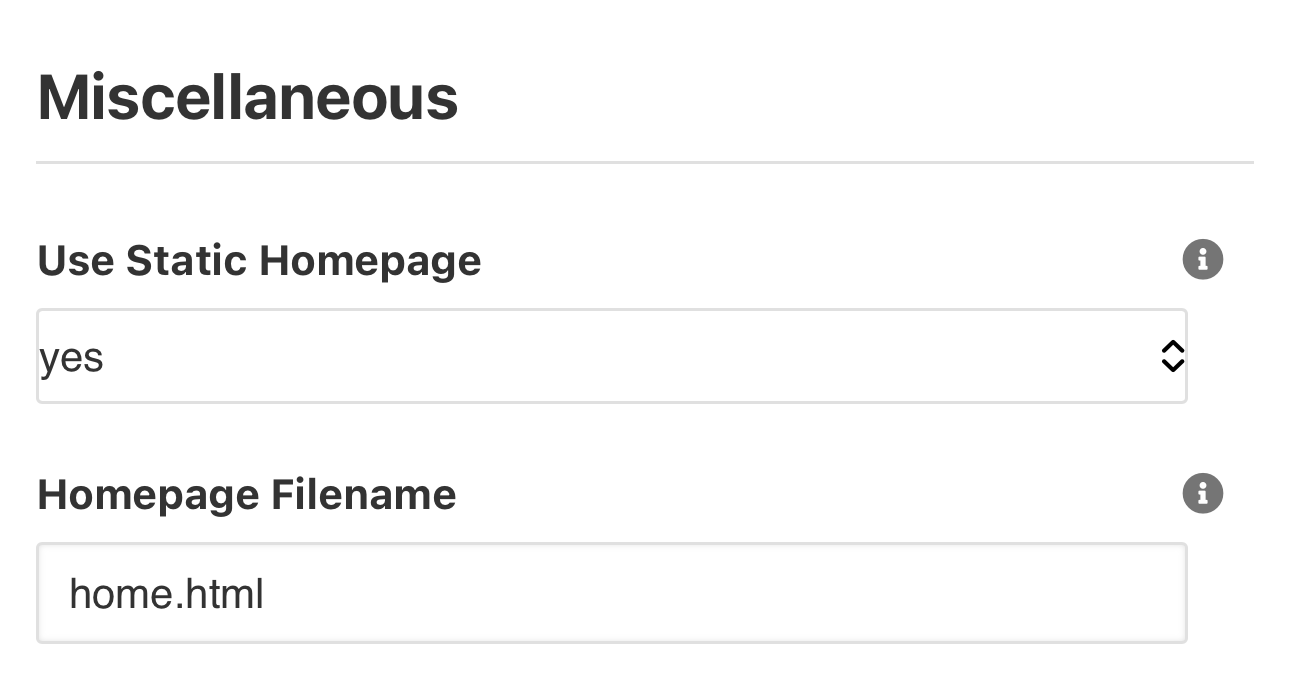
Backlight 6 has an option to designate your own HTML file for the content of the homepage, while still retaining the full functionality of other Backlight-managed links.
This is available under Admin > Settings then clicking on Show Advanced Settings.
Suggestion: I’m creating converting an old WordPress site to plain html in Backlight. I’ve created the usual Backlight Templates and a Page for each site page and dropped the page’s html code (obviously minus the header and footer) into Page Copy → Main Copy. It works perfectly including any external links and it’s being used for all the pages, not just the home page.This gives me the benefit of all of Backlight’s responsive URL formatting which is much easier than using something like Bootstrap.
I do have a few stand alone html pages - like a screenshot of an article that is no longer on the web - and I’ve put those in the root folder (above the backlight folder along with the .htaccess file) and it links OK to there from the backlight page.