Hello,
Would it be possible to output/send the answers in a CSV document?
This would make the workflow easier as large amounts of data can be processed more easily.
What do you think of this idea?
Kind regards
Peter
Hello,
Would it be possible to output/send the answers in a CSV document?
This would make the workflow easier as large amounts of data can be processed more easily.
What do you think of this idea?
Kind regards
Peter
It’s not a bad idea. Would be up to @Ben to decide whether it’s technically viable for us to do so.
Hi @Matthew, the main consideration I have is how well feedback maps to a two-dimensional table.
Looking at some test feedback, it could work to have the Images section of the feedback saved as rows of data. You’d then have one row per image, with columns like Filename, Selected, Rating, Comments 1, Comments 2 (where the latter columns would be specific to how the Options and Textfields were configured in the Feedback Profile).
@spuckie, is that the kind of information you’d want to have added to a CSV file?
Seems reasonable. And then I suppose images could by sorted by column (by the user) so that, for example, images of like rating could be grouped together, etc., allowing the user to consume the data in whatever way is useful.
Good morning,
sorry for the late reply.
In my view, the following information should be included in the CSV file.
Hello,
I wanted to ask if there are plans to realize this function in the near future!
Thank you very much!
Kind regards Peter
Unfortunately, I have not received any feedback on this.
Is implementation planned?
If so, when is it scheduled?
It would be nice to have some information on this, whether positive or negative.
Kind regards Peter
Hi @spuckie, thanks for the reminder. I didn’t mean to leave it this long. I’m working on it.
Hi @spuckie, I’ve completed this function and it’s now in our testing stream.
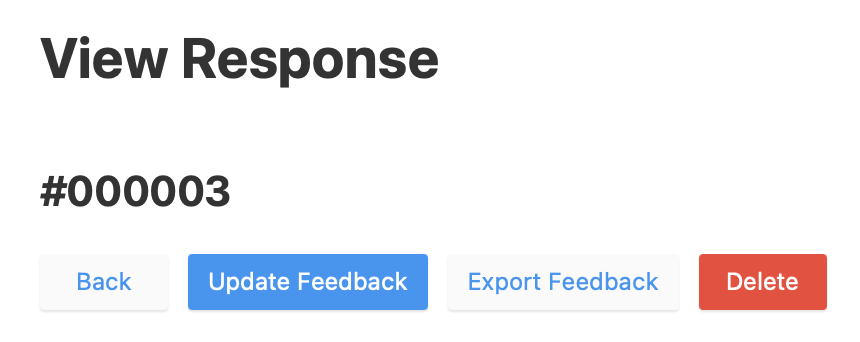
Here’s what it looks like from the admin:
Screenshot of an exported CSV opened in Numbers:
Each Option and Textfield that’s been provided by a user gets its own column. If a given option or textfield isn’t provided for any of the photos then that column won’t appear.
Let me know if you’d like access to the testing stream and I’ll advise how to do this. It’s safe to run on your main site as this is the only changed code.
This works great Ben!