With custom css it should be possible.
this will remove the icon from the cell, leaving the cell empty (leaves the title and description in their fields):
.albums .no-thumbnail {
  display:none;
}
For text in place of the icon, you can use this custom css:
.albums .fa-file-image::before {
  content: "Private set";
  font-size: 36px;
}
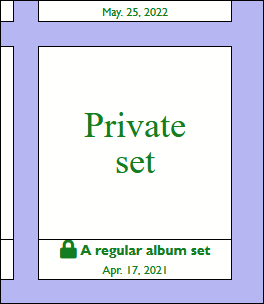
For an alternate icon, you’ll need to find one you like in the Font Awesome options
Try using this code in your custom css:
.albums .fa-file-image::before {
  content: "\f1c5";
}
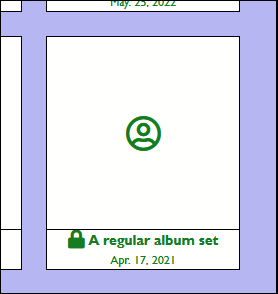
and replace “\f1c5” with the unicode for the icon you want to use. You’ll also probably want to increase the font size. For example, this code uses the “circle-user” icon:
.albums .fa-file-image::before {
	content: "\f2bd";
	font-size: 36px;
}
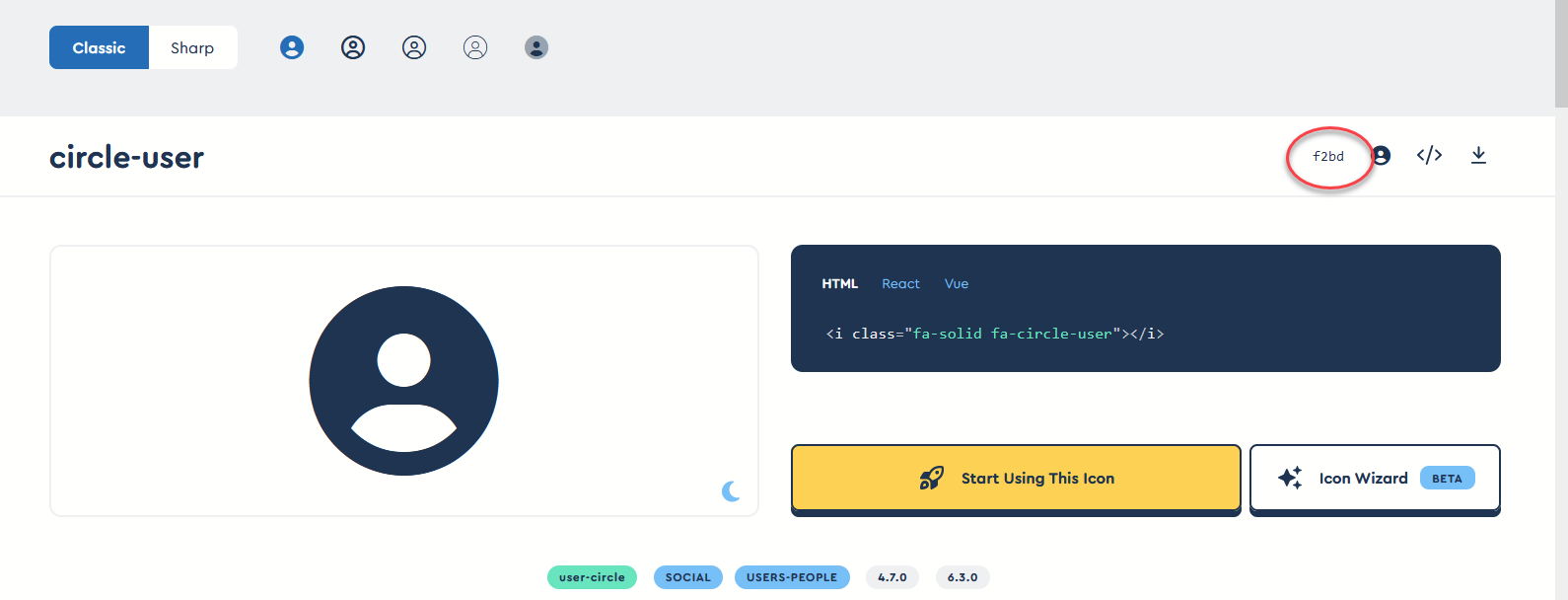
When you find an icon you like, look on the upper right for the unicode:
I’ve not tested this on mobile devices, so text and icons using larger font-sizes might look weird.
Also, any of the code choices will be applied to any set that’s missing a cover image, not just protected sets.