I am developing a new BL 3.x website and all went well until I updated to 3.03
I can no longer refresh my “Page” template. I get the following error:
Unable to save settings. Error 200.
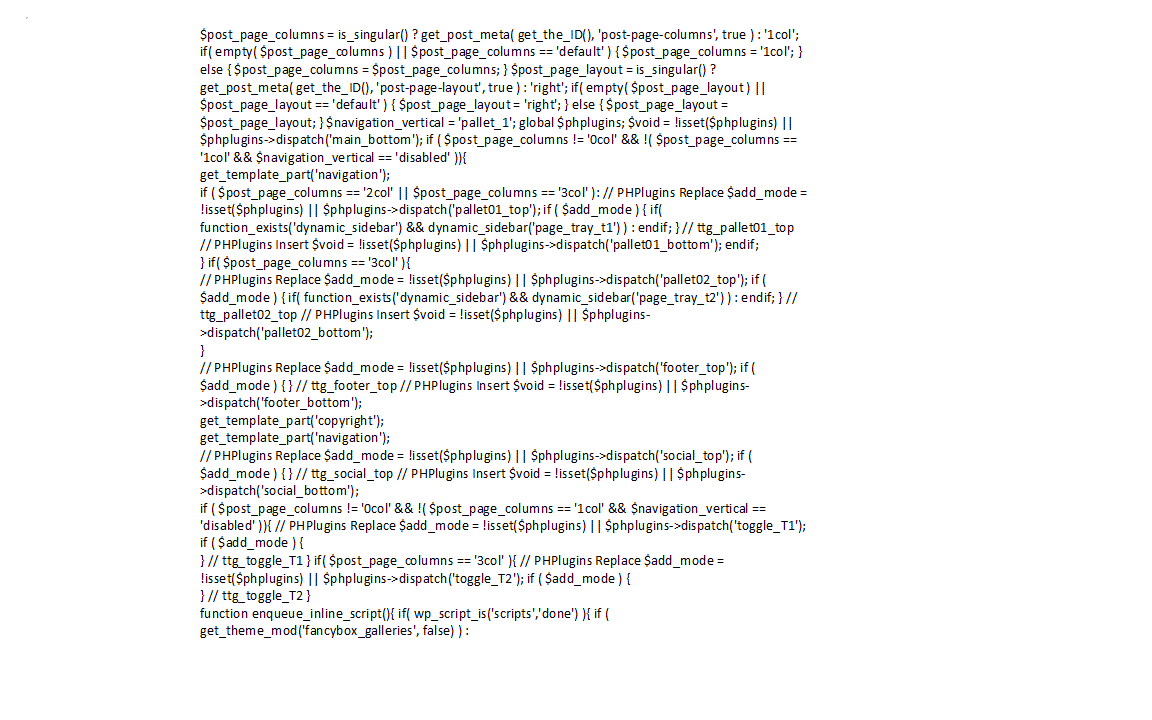
I also can also no longer use the “Clear Template Cache” function in the Backlight admin app. I get a lot of non descriptive text back. See the attached GIF named “Clear Cache Message”
I’m not sure what the cause is then. Can you provide me with a Backlight admin login, and FTP access so that I can look into this? You should be able to do so by clicking on my username then using the Message function.
Server address, username and password that you use to log into your server via FTP. You would have used this when you installed Backlight, if at no other time.
Hi @Panagon, thanks for the Backlight admin. I have updated your Backlight to 3.0.3 through the Backlight Modules page, and that has fixed the problem (tested by attempting to clear the template cache before and after the update). Can you verify that everything is working for you now?
I do not know what caused this. It may have been one or more module files being incomplete for some reason after extraction during updating. If this comes up again, please provide me with FTP details so that I can debug it on your server.
It all works - The “Clear Template Cache” and the “Save” on the two problem templates now works. After a little break and some reflection on the site development design, I can now continue…
Thank you very much!