Thank you for the suggestions. While I was evaluation my plugins in Gutenberg to disable the all I saw MOJO Marketplace which wasn’t enabled so I’ll enable it first, before I eliminate all plugins.
I checked the page on an html validator and there are unclosed element errors as well as errors where a closing div tag is found but not a corresponding opening tag. These kinds of things can cause the layout problems. I don’t know if they are related to the shortcode issue.
Testing is good when you have time. I have time today.
It looks like Bluehost is upgrading their interface with Wordpress today. I’ve had a couple of patches that I installed. What is now displayed in FireFox is
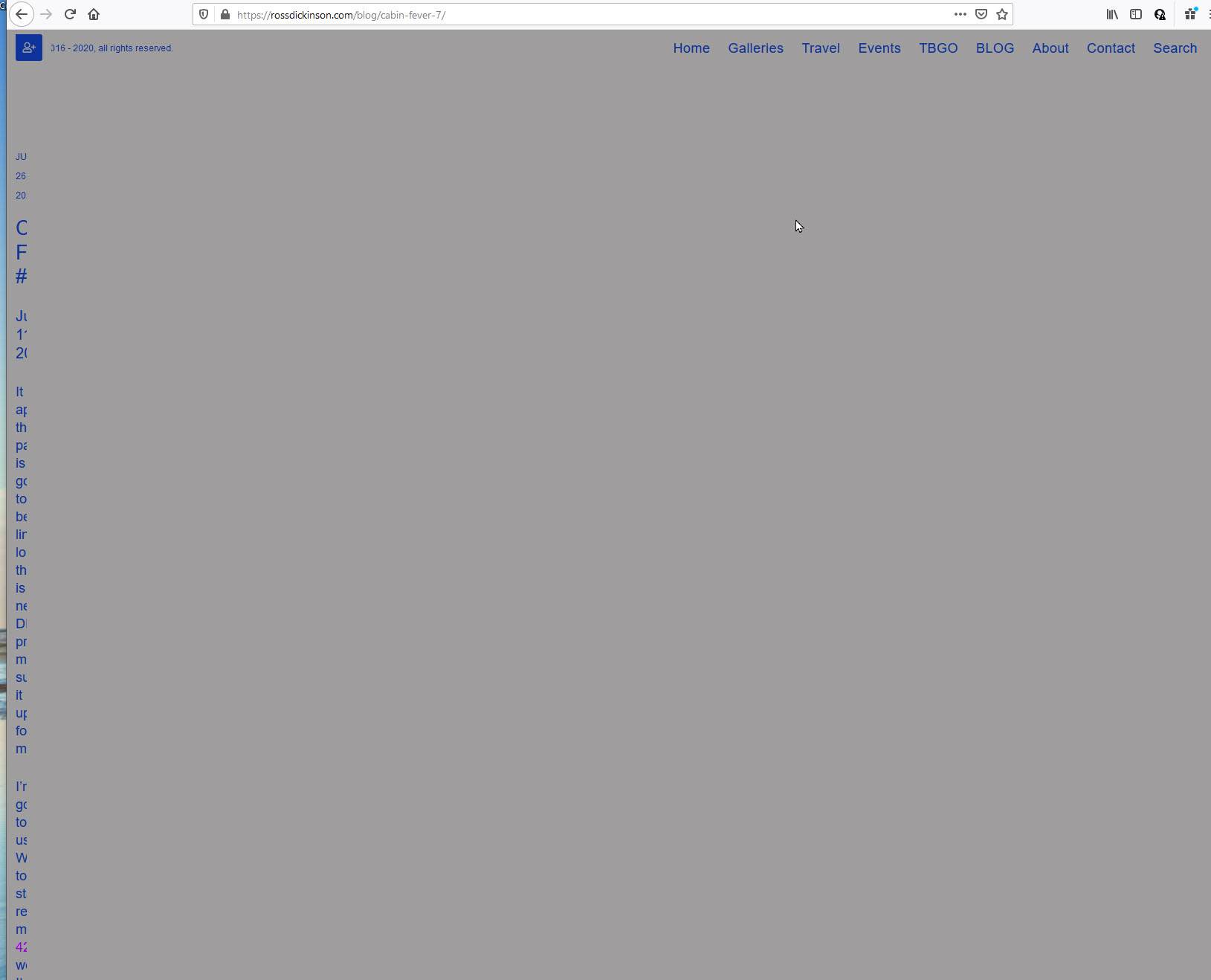
and in Chrome
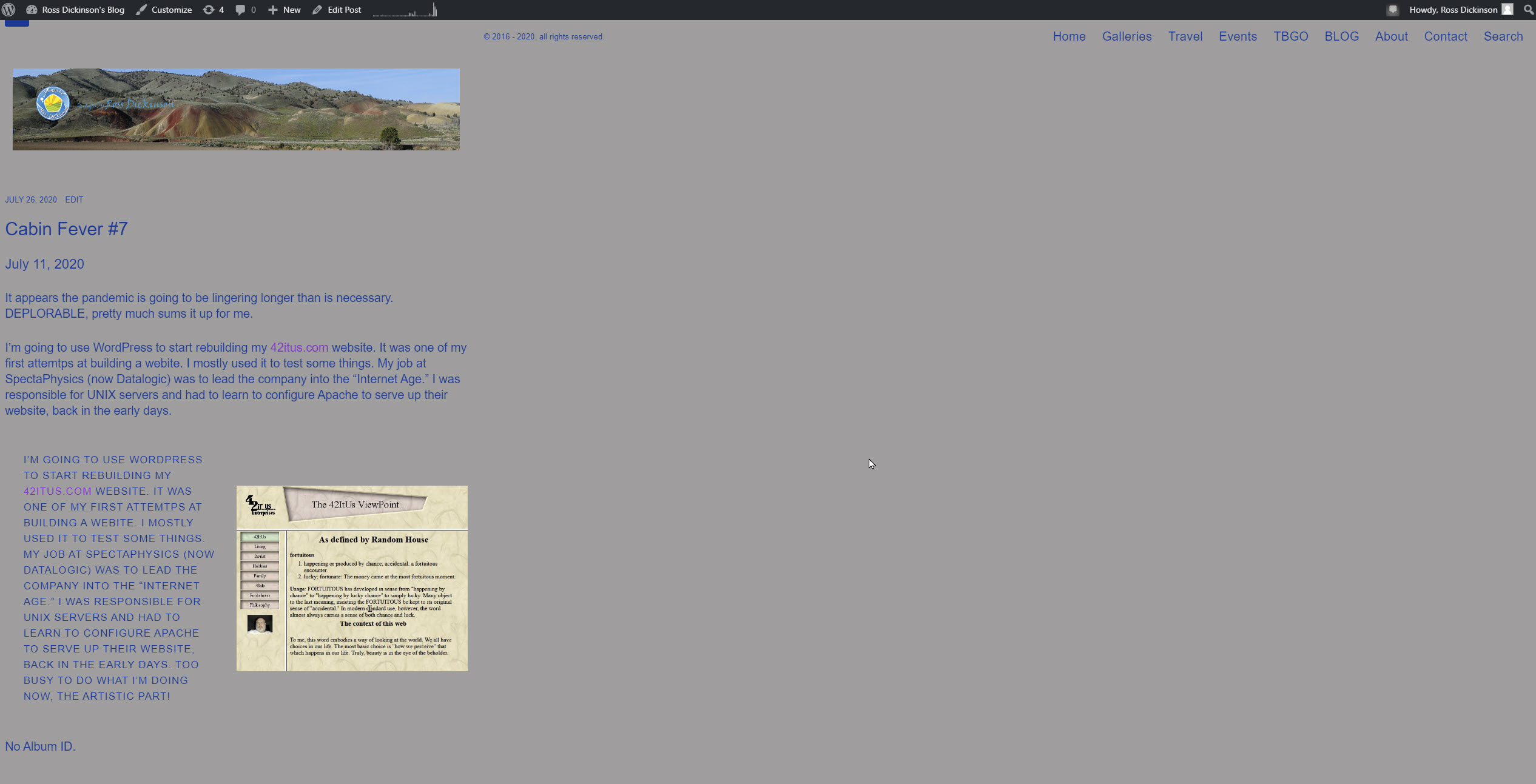
When I disable all my Wordpress Plugins should I include JetPack and and Gutenberg as well?
No, I’m not doing my own html anywhere.
Jetpack for sure. If you disable Gutenberg, I don’t know what will happen. Probably couldn’t hurt though.
Have you tried simply inserting only the shortcode in a post?
What you’re seeing is the result of those unclosed tags. I don’t know where that might be coming from unless you’re writing html and are just missing those tags.
I inserted the short code first in it’s own block, before I tried the shortcode block.
I’ll disable Jetpack and insert the [backlight album=’‘446692’’ columns=“5”] into the block above the “Media & Text” block.
Here are the results. Both Chrome and Firefox are displaying the same now.
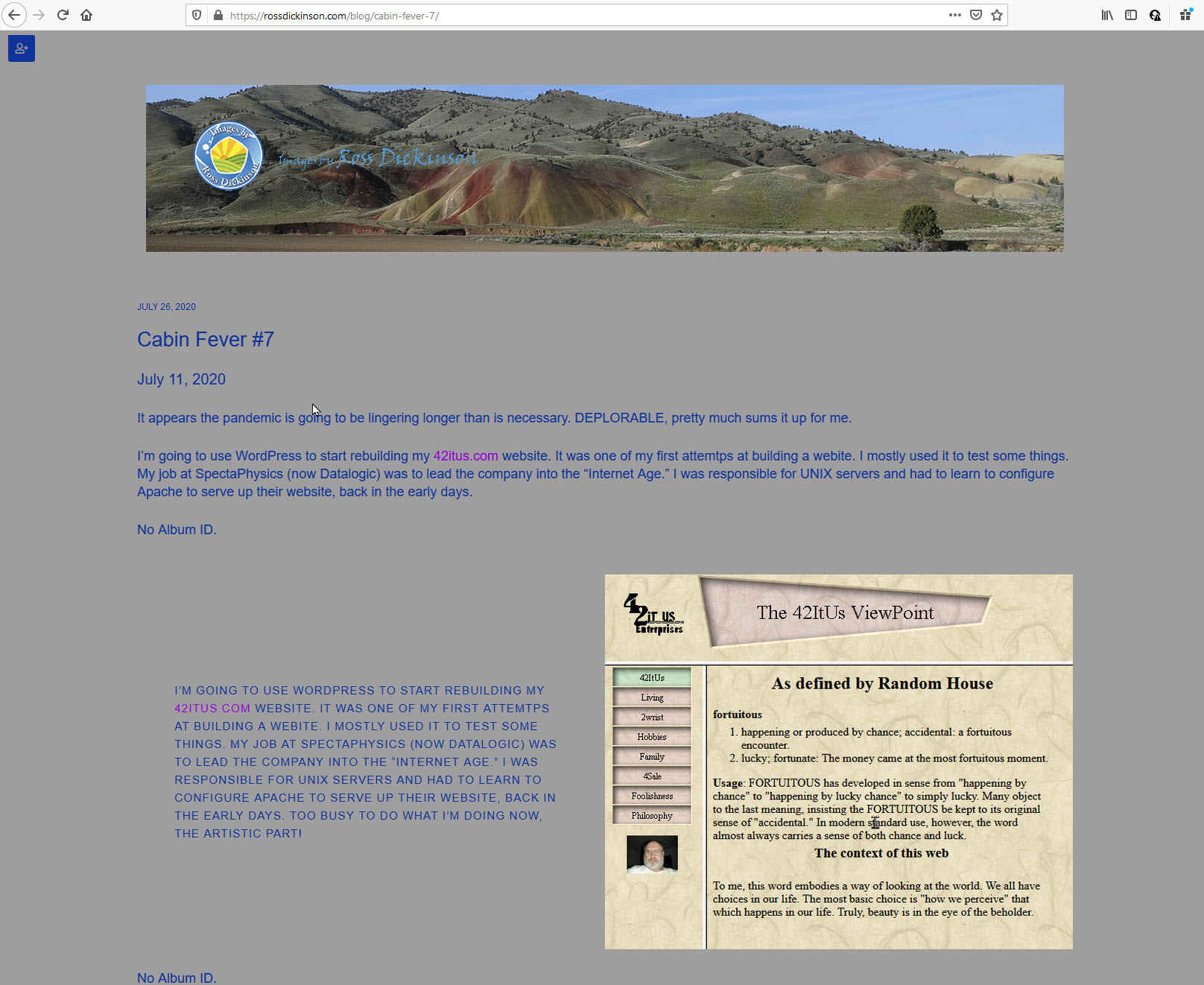
Now it is still incorrectly displaying CAPS in the Media & Text block when published and we are still getting No Album ID for the two instances of [backlight album=’‘446692’’ columns=“5”], one called in the opening paragraph and the other the the shortcode block below the Text & Media Block. We are gaining on the problems.
I just noticed, the main menu up top isn’t visible in Cabin Fever # 7, but is in the previous Cabin Fever # posts
Tenacity is a good trait for coding and testing for sure. I now have Cabin Fever #7 getting close. The only issue still going is the CAPS appearing in the Media & Text block. Any hints?
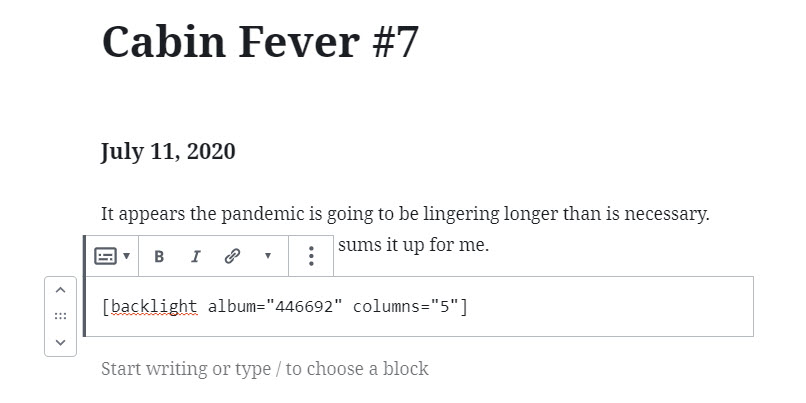
Part of the fix was checking my syntax. I discovered the ‘’ " ’ ’ all variations I was using to make sure I had the correct double quotes. Then I eliminated all the calls to [backlight album=’‘446692’’ columns=“5”] in the Wordpress page and republished. Looking good, so I added into the top block as preformatted.
According to the browser inspector, that text is an H6 heading. I’m guessing that in the template’s typography section, H6 is set to caps.
Did you intentionally make that text an H6 heading? If not, that might be coming from a setting or a text block choice made in Gutenberg.
Bingo Rod. It was a good learning experiece! Thank you!
The browser inspector is a great tool for discovering all sorts of stuff! 
Rod, thank you the tool kit!