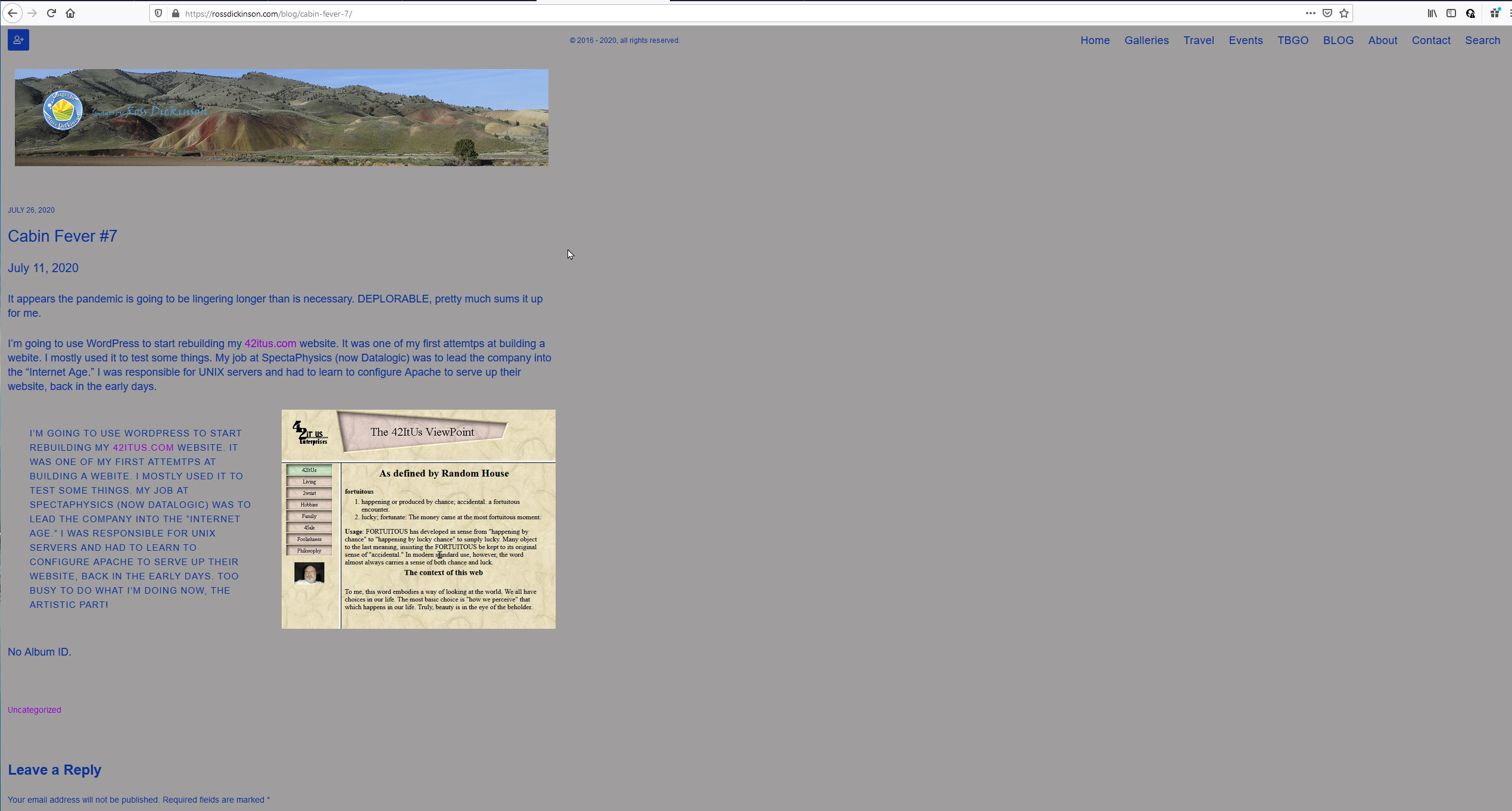
I’m working on using the short code, but it isn’t working for me. Could someone take a look please? https://rossdickinson.com/blog/cabin-fever-7/.
look at your quote marks. they are different.
My guess is that the should be straight quotes.
Try entering the short code in the WP text editor.
Hi Rod. I looked at the Guittenberg editor. The quotes appear to be correct, but just in case I changed changed them both to " (one doube quote), rebublished. It didn’t work, then tried ‘’ (two single quotes), republished and it still doesn’t work?
Also the font from the Guitenberg editor is also getting converted to upper case as well. In Guitenberg the case is normal, Upper and Lower mixed correctly.
now you’re missing the closing bracket ]
Also, in Backlight Settings have you enabled the JSON API?
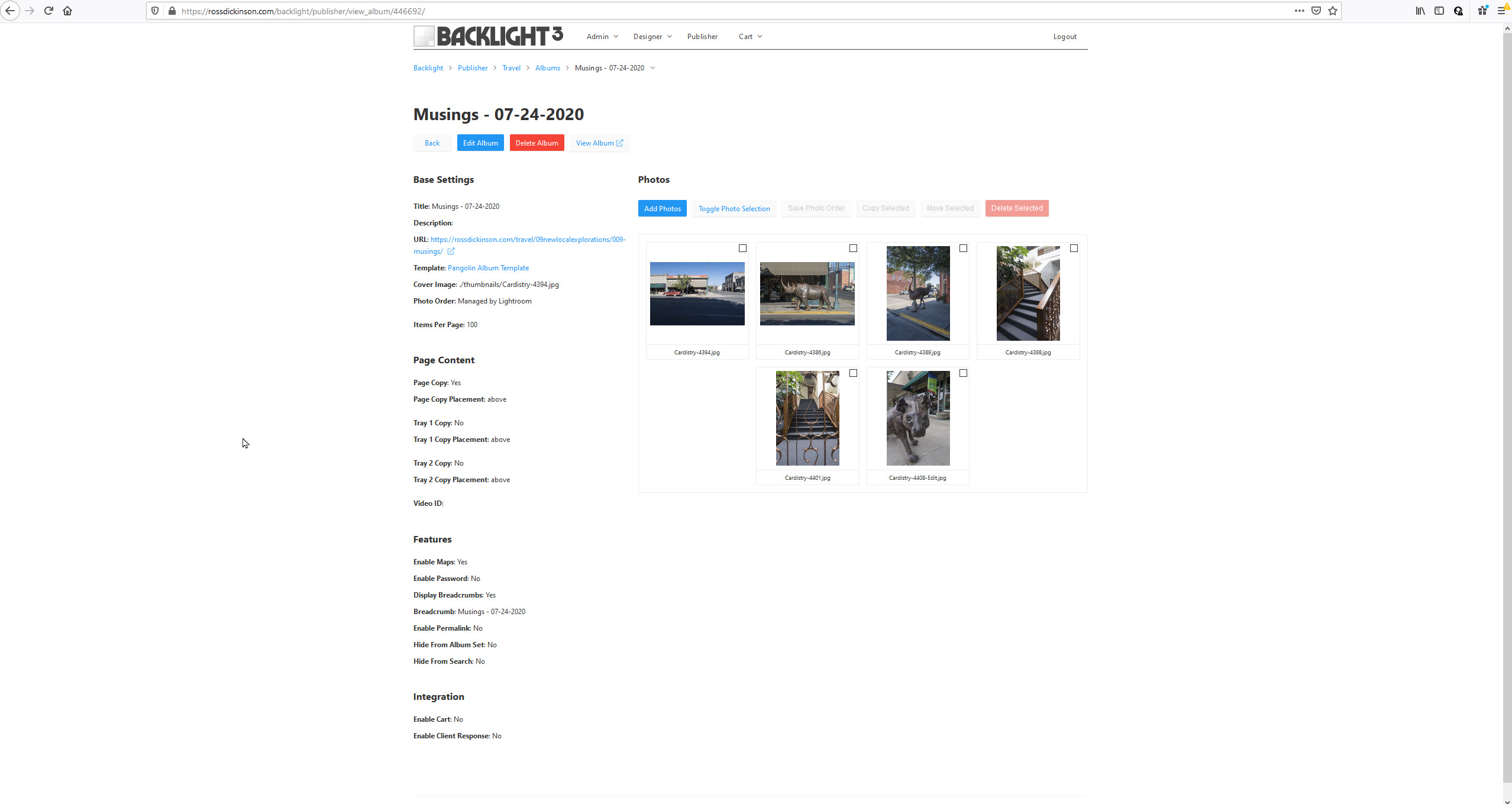
SSON is enabled. I added the closing ] brace, republished and the short code text is showing still, not the album. Is it problematic that I published the album to https://rossdickinson.com/travel/09newlocalexplorations/009-musings/?
Matt will need to comment, but I think it may still have something to do with those double quotes; they’re still mismatched, one curly/slanted and one straight.
instead of typing in the Gutenberg editor, try writing out the short code in a plain text editor and copy/paste it into the post.
Also the location of the published web is 3 levels below the level of Blog
You’re still using the Okapi versions of our add-ons. These are now three-to-four years stale. You should switch over to the Pangolin modules for designing your templates.
The “backlight” short code is available only in Backlight 3, and using the Pangolin version Wordpress theme.
I must have missed the album type for the Blog page. I’ll check
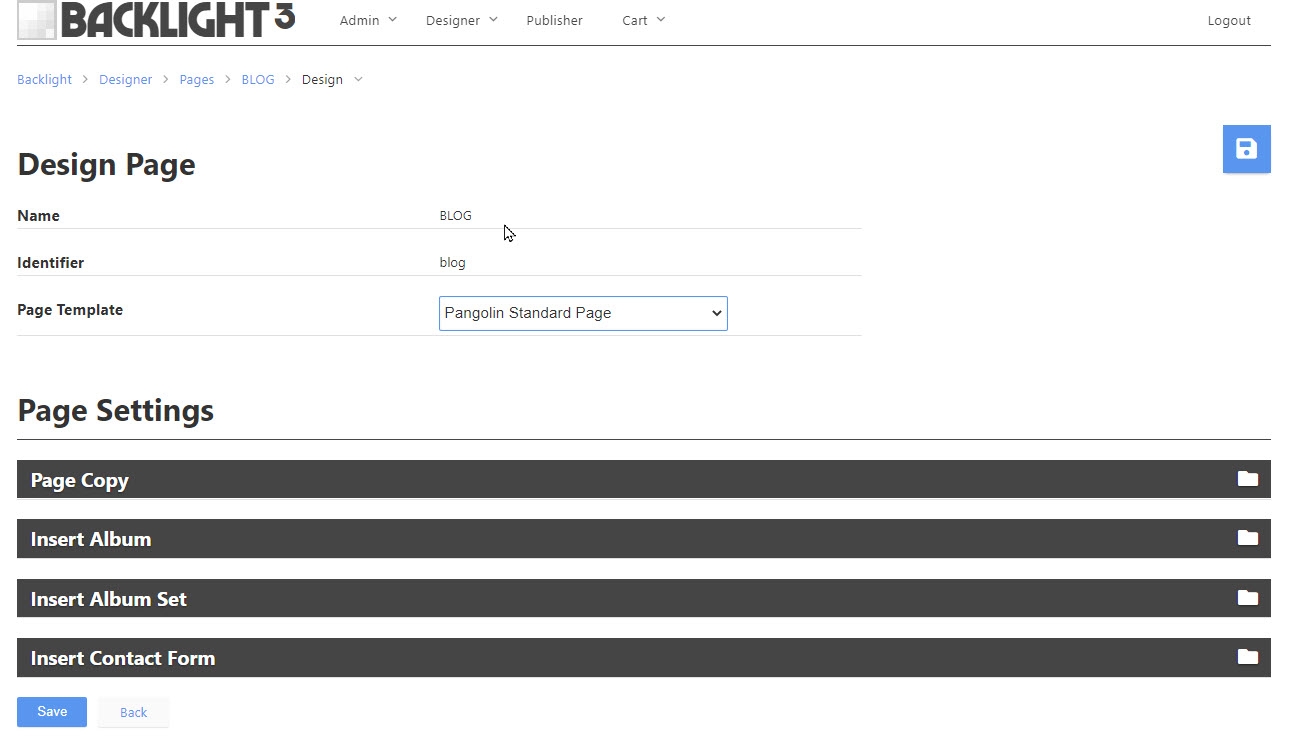
I’m looking to see if the “old” blog theme is getting called rather than the new one. I’m looking for it now.
Make sure that the album you’re trying to insert is also using a Pangolin album template
I don’t think the album template actually matters.
But the screenshot above is NOT your WP Template. That’s under Designer => Templates, then scroll down to “Theme Templates”.
New day, fresh brain. I’ve got the [backlight album=’‘446692’’ columns=“5”] now, but the page insert into Wordpress needs some work to get it display correcty. [backlight album=’‘446692’’ columns=“5”] my masthead is shrunken as is the size of the only column. I’m still getting CAPS It is in a media and text block before the block that only calls [backlight album=’‘446692’’ columns=“5”], which now returns No Album ID.
You’re using the Gutenberg editor, correct?
Have you tried inserting the short code into a Shortcode block?
(I don’t use Gutenberg so haven’t tried this, I just did a search and saw that there is a shortcode block in Gutenberg)
I tried your suggestion.
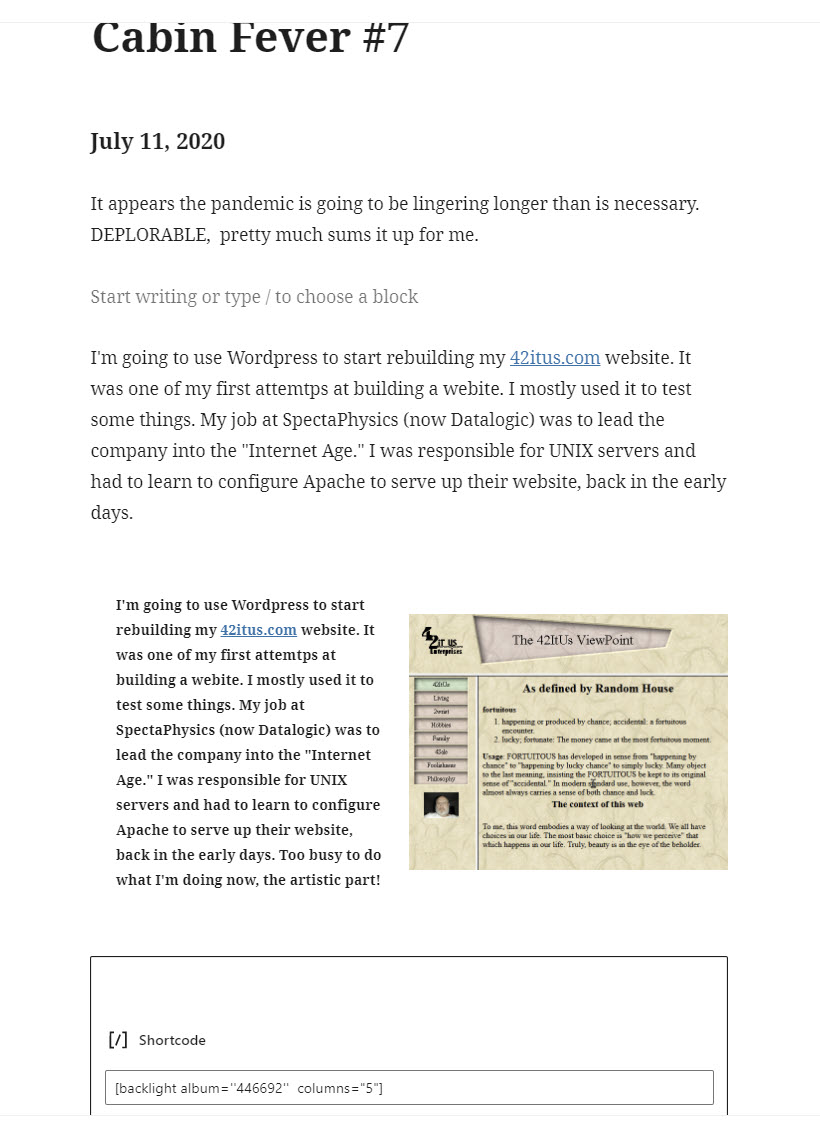
The results
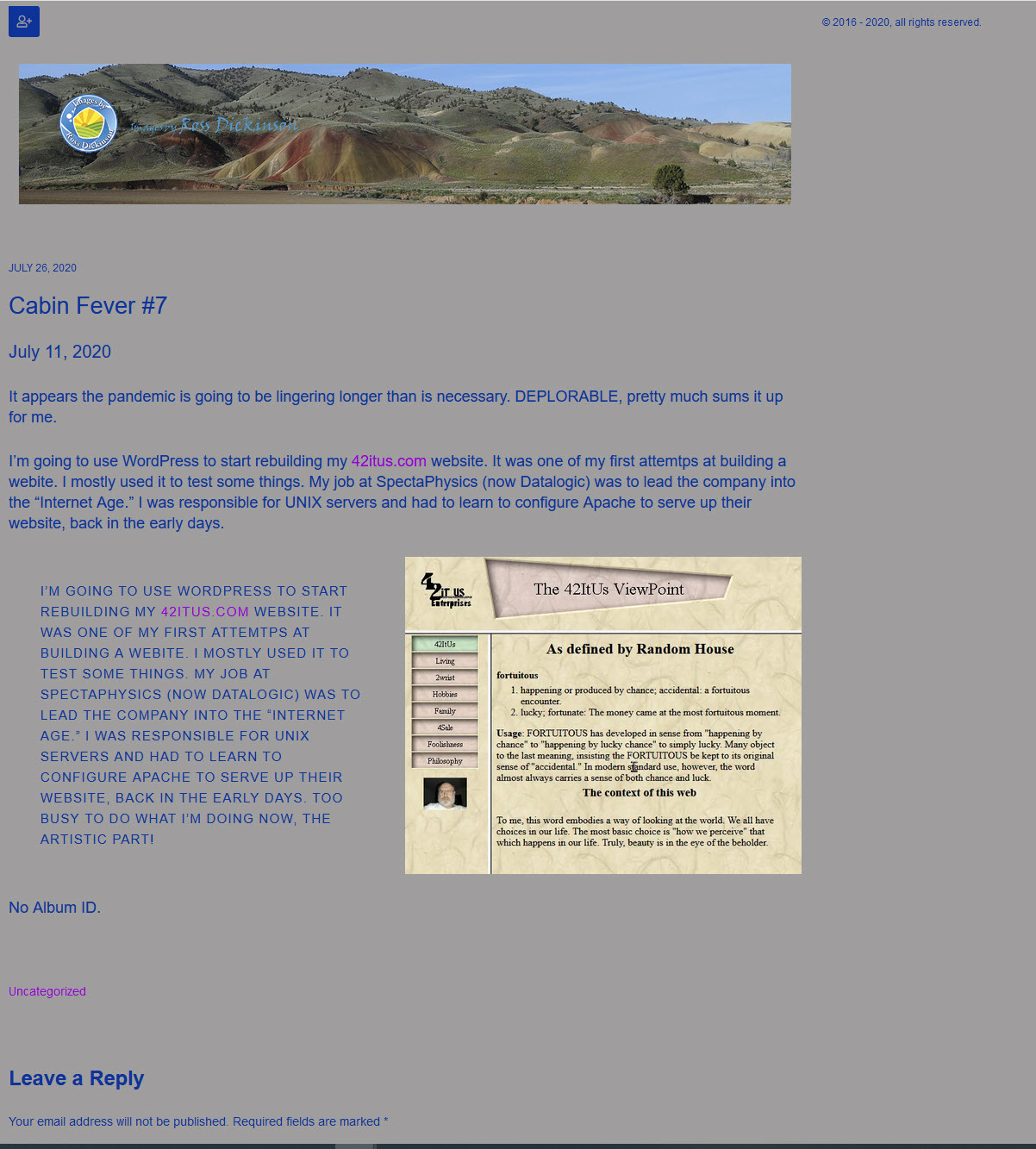
The “Media & Text” is still displaying CAPS after publishing. The short code is displaying “No Album ID” which makes me wonder about the levels of my web being part of the problem. The Musings site in 3 levels below the Blog level of my website.
Should I be looking for a good Guttenberg help site as I try to move 42itus.com to a Guttenberg controlled site that uses the short code to display the Backlight albums.
The album level shouldn’t matter. The album id is what matters.
did you change the location of that WordPress page? I’m just seeing a page with your navigation at the top.
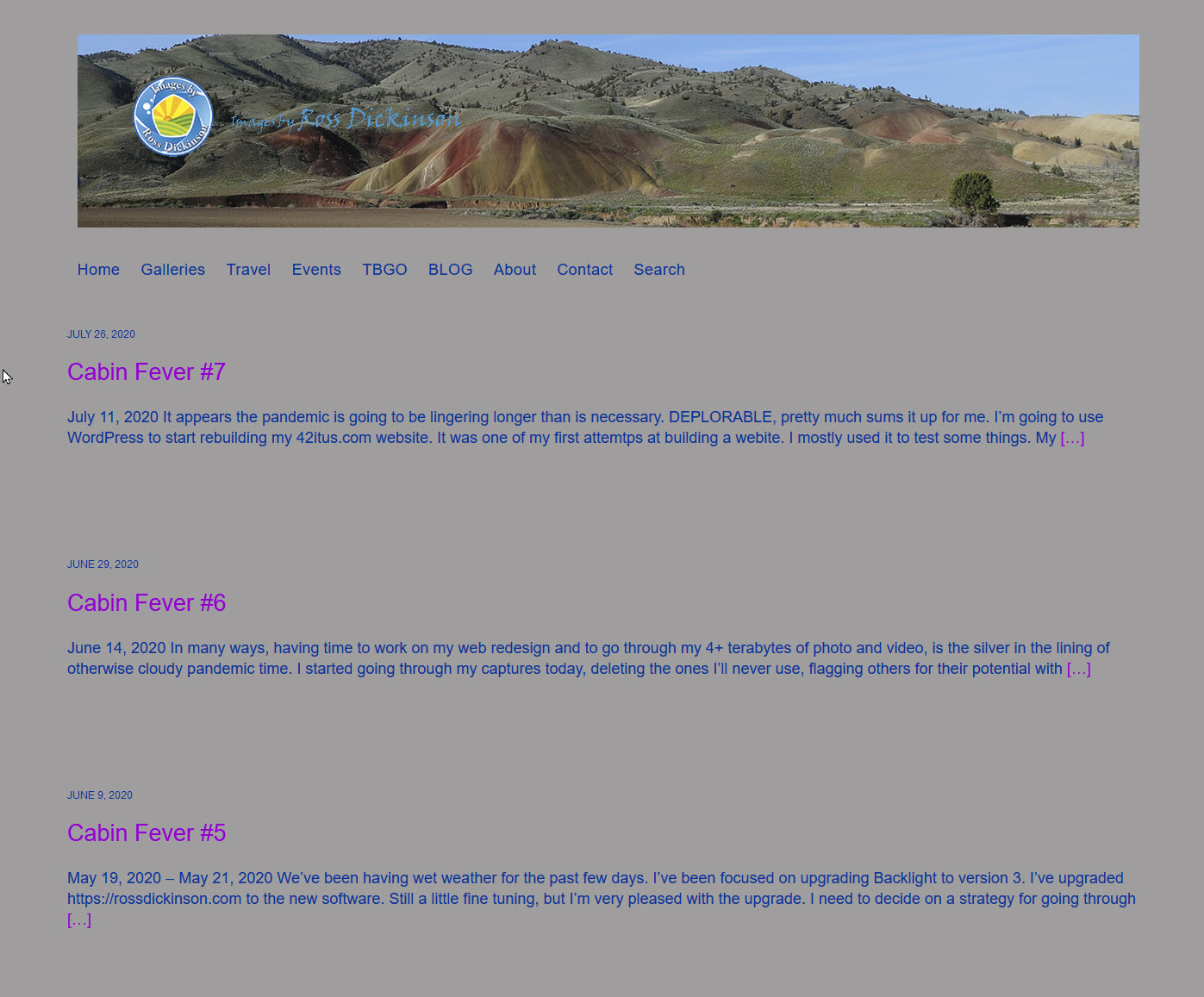
I just tried deactivating the Classic Editor plug-in in my test site’s blog so that it is using Gutenberg. A post that contains a Backlight album via shortcode still works as expected. The shortcode was added to a text block.
I also created a new page and added a gallery shortcode. That worked too.
Are you using any plugins for WordPress? If so, try troubleshooting by disabling all of them and seeing if the album appears. If it does, start enabling plug-ins until the problem crops up again.
There are some html errors coming from somewhere. I needed to expand the browser across both my monitors to see the page. It looks like there’s a closing div tag missing somewhere and that is pushing the footer to the top, as you can see in your screen capture. I’m seeing this in both Firefox and Chrome.
Are you writing your own html somewhere?