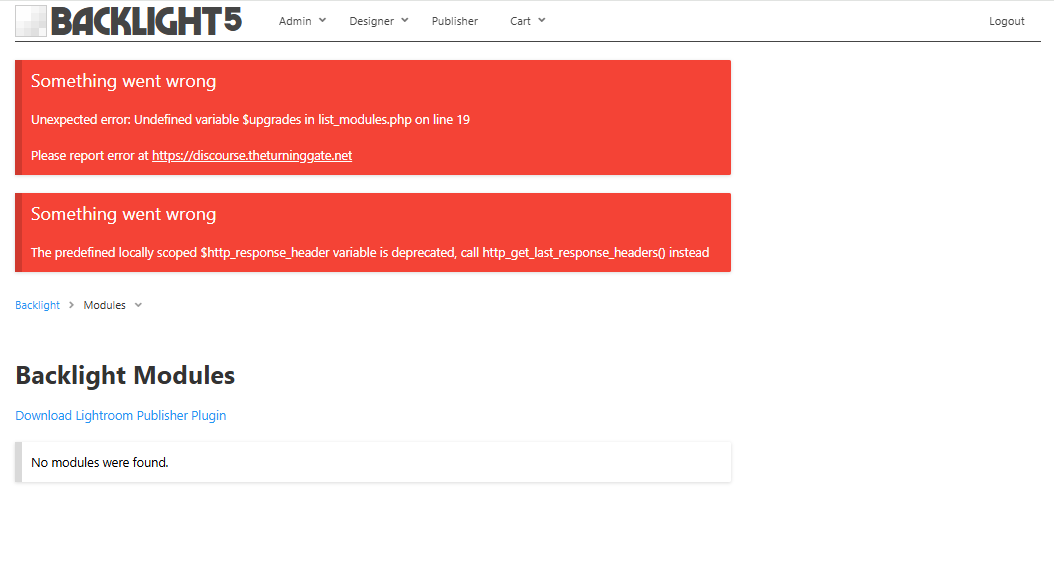
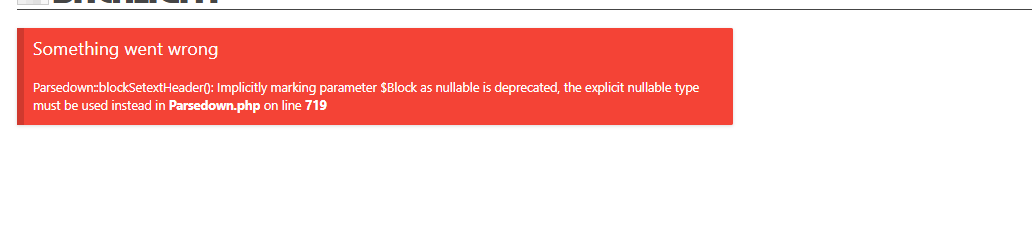
@Ben will need to take a look. It might help him to know the current version of Backlight you’re trying to update from and what version of php your host is running.
(you can find out the version of php by going to Backlight > Admin > Special Links and click on View PHP info)
It could be an incompatibility between Backlight 5 and PHP 8.5 (which is probably new)
You could try changing the PHP version to something earlier and see if that works.
(you can often do this on your own from your host’s C-Panel)
Or wait for @Ben to advise.
Hi @Phoentje, as Rod suggested, this is an incompatibility between Backlight 5 and PHP 8.5. I suggest either changing the PHP version to something older (PHP 8.2 should be safe), or upgrading to Backlight 6.
Hiya
Thanks I can surely downgrade to an older version. I can also upgrade to backlight 6, should I downgrade first to older pho before upgrading to 6?
Hi @Phoentje, I suggest going into your Backlight admin and seeing whether you can access the Backlight Modules page and reinstall any of the modules. If so then you should be right to upgrade Backlight without needing to downgrade PHP first.
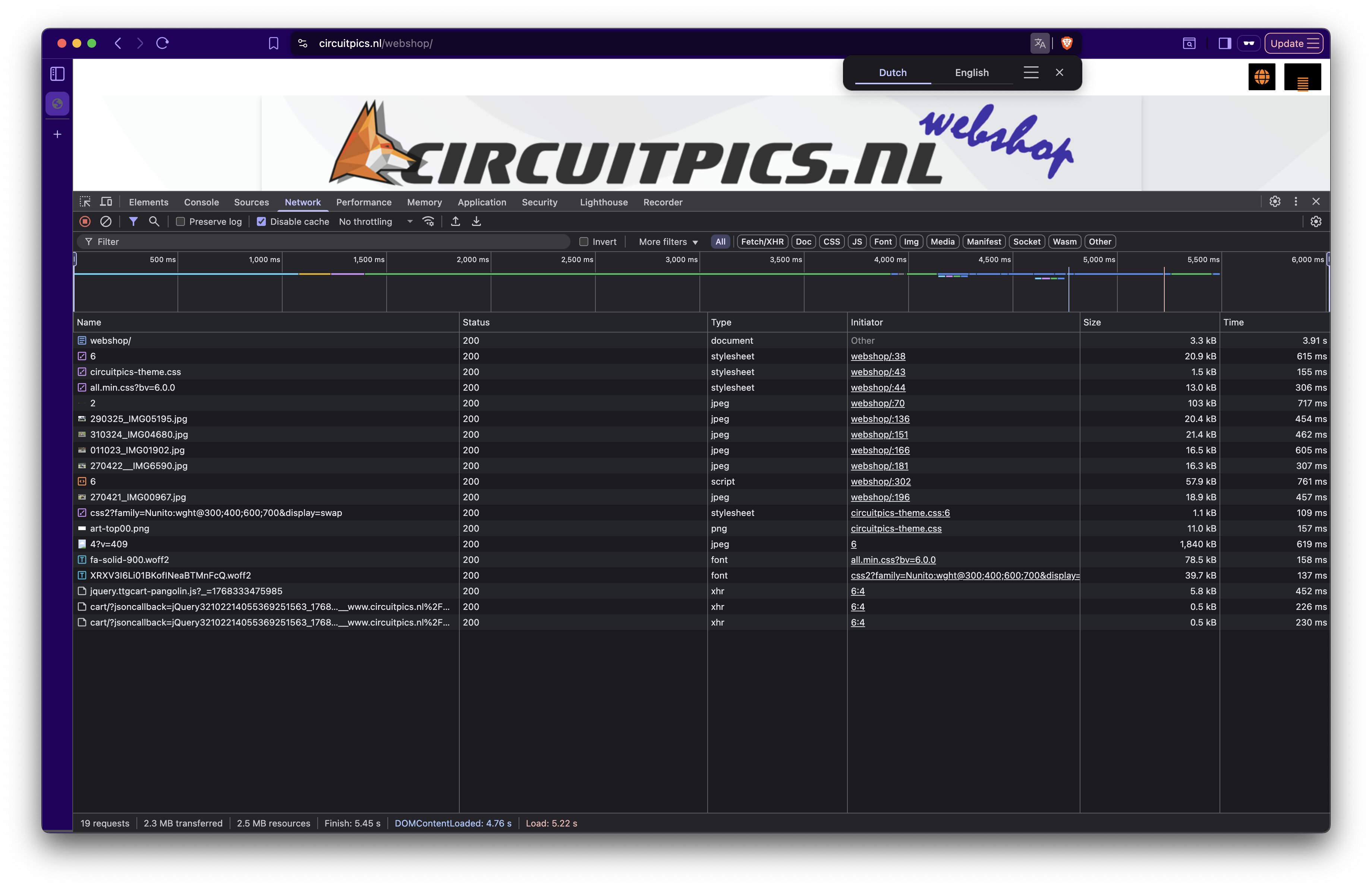
First interest thing to call out is the first row. The document is only 3.3kb, but takes nearly 4s to load. Compare that to the next item, a stylesheet that’s 20.9kb, but takes only 615ms to load. That’s a huge difference!
Your masthead is one of two large images on the page and adds nearly 1s to the initial load, but then loads faster on subsequent navigation, because it should be cached.
And the largest image is the one with the motorcycle, 1,840kb, and taking nearly 2s to load.
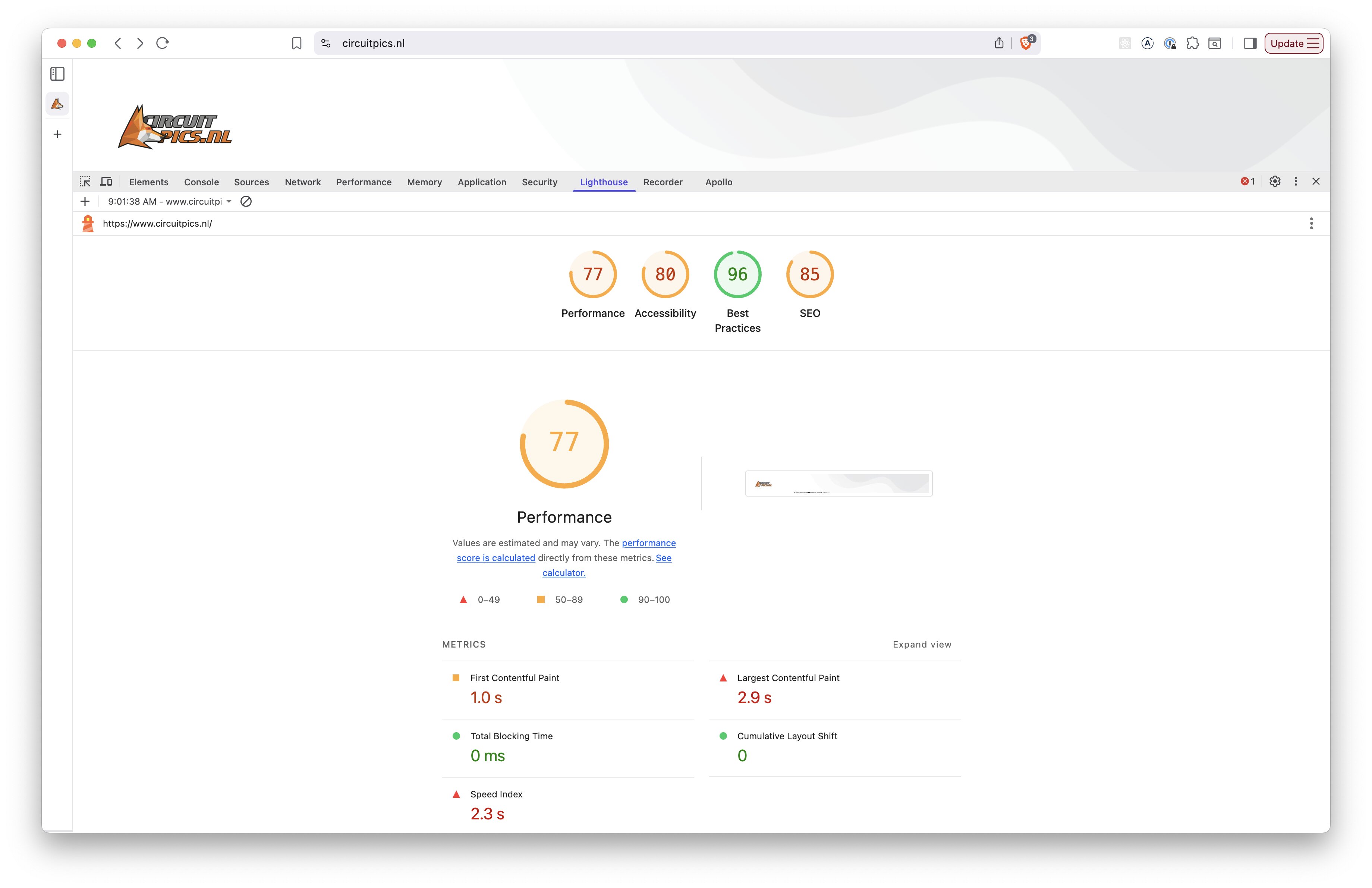
I ran lighthouse benchmarks on your landing page, and the Performance score on first load was only 79; on second load, you got 92, because those big images were then in cache, so the whole page loaded faster.
Finally, you could maybe improve things by limiting or removing your use of external fonts (Google fonts), though I don’t think that’s a huge issue here.
Your biggest things are:
the initial network request is very slow; @Ben can maybe make suggestions how to improve this;
your two banner images are huge and really slow down the first render of the page
Thing is that the main page outside backlight runs fast, circuitpics.nl for example
I noted this slow webshop right before upgrade when the page was giving errors maybe due to php upgrade?
Now I’m back to 8.2 and the errors are gone but responsiveness is still slow
I’ve found that initial page loads are very slow. Around 20 seconds. A subsequent reload is around 2 seconds. It looks to me as though the server has a process that starts up and likely goes idle after a while. You had previously provided me with a login to Backlight, which no longer works. Can you reenable the account or create a new one, so that I can see if the PHP Info page sheds any light on it?
Hi @Phoentje, thanks for the access. Unfortunately, the PHP Info page doesn’t give any hints to the reason that the server is slow to respond on first request. I was thinking that it may be due to PHP FPM, which is PHP as a service that can be configured for different performance levels. Your server is not using that.